Where Do Urgent Care Centers Win Near-Me Searches? Reading the Map Results, the Five Steps and the Sample Walk-In Growth
A question-and-answer guide to urgent care SEO for US centers: why "near me" searches are won on the map, 5 steps from profile cleanup to monthly tracking, a weak vs stronger table, a sample growth table and FAQs.
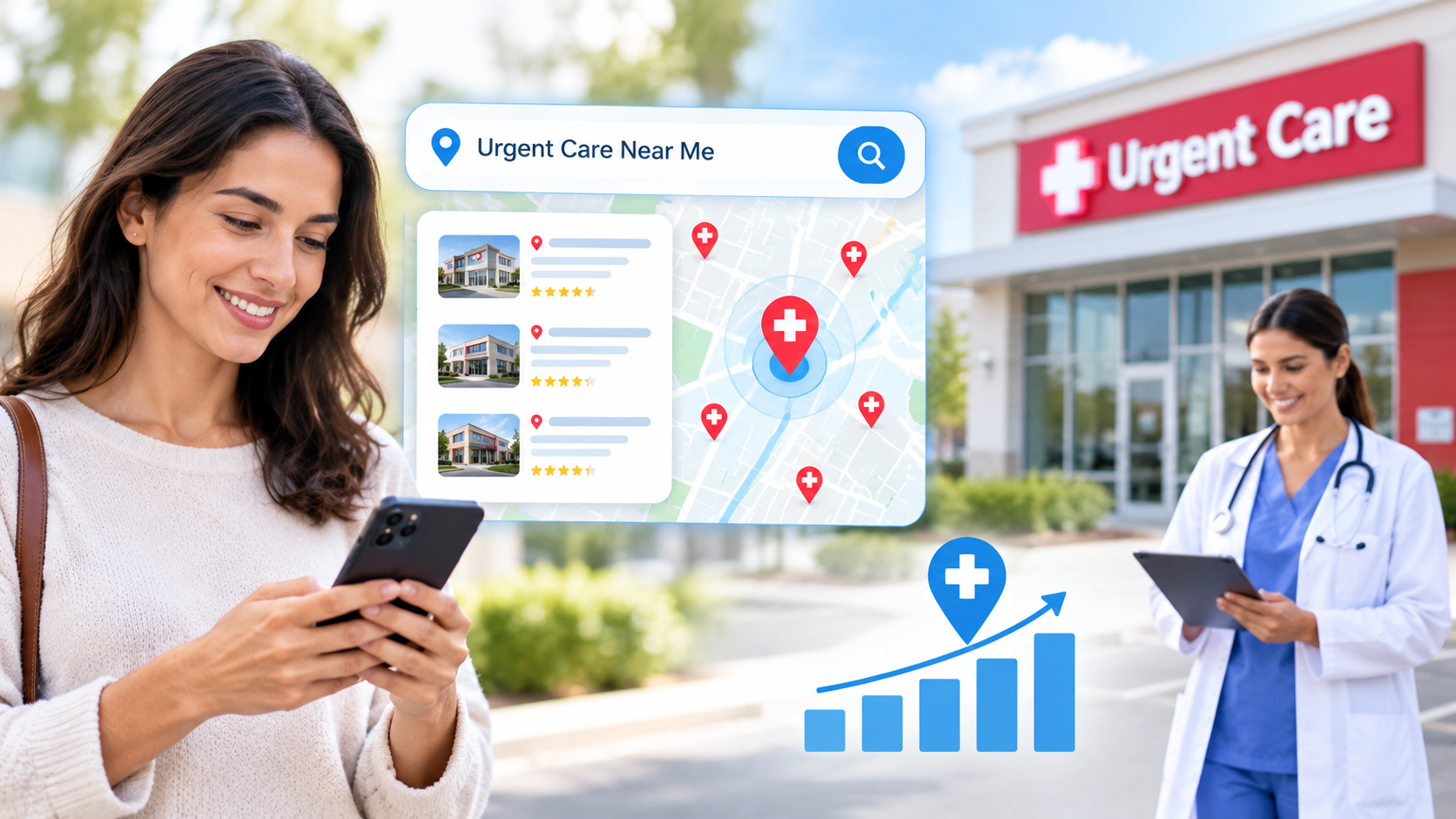
Quick answer: Urgent care SEO helps people find your center at the moment they need care, usually through "urgent care near me" searches on a phone. Most of these searches are decided in the Google map results, so accurate hours, clear services, visible insurance information and a fast way to check in matter more than long articles. All numbers in the sample table below are illustrative, not real results.
Why is urgent care search different from other healthcare searches?
A patient looking for a dermatologist may spend days comparing options. A parent with a child who has a high fever, or someone with a sprained ankle, wants a nearby, open center within minutes. That changes what wins:
- Proximity and hours: if your listing shows "closed" or wrong hours, you lose the visit.
- Services at a glance: X-ray, stitches, flu and strep tests, physicals and occupational health are common deciding factors.
- Insurance clarity: patients want to know quickly whether you accept their plan.
- Wait time and check-in: online check-in or a "save my spot" option removes uncertainty.
Where do urgent care sites usually fall short?
- Holiday and weekend hours are wrong or missing on the Google Business Profile.
- One location page covers several centers, or the page is almost empty.
- Service lists are vague, such as "we treat many conditions," with no specifics.
- No guidance on when to go to the emergency room instead.
- Wait-time messages that are out of date and frustrate patients.
What are the five steps?
Step 1: Perfect your Google Business Profile for every center
Use the exact legal name, correct category, accurate address and phone number, and complete hours, including special hours for holidays. Add services, photos of the entrance and parking, and a link to online check-in. Keep details consistent with your website.
Step 2: Build one strong page per location
Each center needs its own page with address, hours, parking, services, accepted insurance, provider information and a map. Add content that is unique to that center, such as nearby landmarks and what makes the site different. Avoid copying the same text across every location.
Step 3: Make check-in and wait information clear
Offer online check-in or appointment-style visits where possible, and explain how it works. If you show wait times, make sure they are updated and labeled as estimates. If they are not reliable, do not display them.
Step 4: Publish condition and service pages with ER guidance
Create helpful pages for common visits such as sprains, minor cuts, flu symptoms, strep throat and UTI testing, written by or reviewed by a clinician. Each page should explain what the center can treat and clearly say when to go to an emergency room or call 911 instead, for example for chest pain, trouble breathing or signs of stroke.
Step 5: Collect honest reviews and measure monthly
Invite patients to leave Google reviews through a simple, consistent process, and respond to reviews without confirming that the reviewer was a patient or sharing any health details. Track map views, calls, direction requests, check-ins and organic visits for each center every month.
What do weak and stronger urgent care presences look like?
| Area | Weak | Stronger |
|---|---|---|
| Hours | Regular hours only, often wrong on holidays | Regular and special hours reviewed monthly |
| Location pages | One page for all centers | Unique page per center with services, insurance and parking |
| Services | "We treat many conditions" | Specific list: X-ray, stitches, flu and strep tests, physicals |
| Safety guidance | None | Clear ER and 911 guidance on condition pages |
| Check-in | Phone or walk-in only | Online check-in link on the profile and website |
What could the results look like? (Sample data)
This is an illustrative example for one center in a competitive suburban market. It is not real client data.
| Month | Profile views (sample) | Calls and direction requests (sample) | Online check-ins (sample) |
|---|---|---|---|
| Baseline | 2,800 | 410 | 95 |
| Month 1 | 3,150 | 470 | 130 |
| Month 2 | 3,600 | 545 | 180 |
| Month 3 | 4,050 | 620 | 235 |
Seasonal illness waves, such as flu season, can change numbers a lot, so compare against the same period in the previous year where you can.
What cautions should urgent care teams follow?
- Do not give individual medical advice online. Keep content educational and direct emergencies to 911.
- Protect privacy in review replies. Never confirm that someone was treated or discuss their care in a public response.
- Verify insurance claims. "We accept most plans" is risky. List specific plans you have verified and add a last-updated date.
- Be accurate about services. Do not list tests or equipment that are not available at every center.
- Keep pages accessible. Check readability, alt text and keyboard-friendly forms.
Next step
Audit one center first: check the profile hours, services and insurance details, then compare them with the website. Fixing those basics often matters more than any new content.
Frequently Asked Questions
Keep reading
What Are the Top Email Marketing Automation Tools for Small Businesses? Reading the Tool Comparison, the Five Steps and the Sample Email Bookings
A question-and-answer guide to choosing among the top email marketing automation tools for small businesses: what they do, why programs underperform, 5 steps, a weak vs stronger table, a sample bookings chart, rules and FAQs.
What Are the Top Social Media Automation Tools for Small Businesses? Reading the Tool Comparison, the Five Steps and the Sample Posting Time
A question-and-answer guide to choosing among the top social media automation tools for small businesses: what to automate, why accounts feel robotic, 5 steps, a weak vs stronger table, a sample time-savings chart, rules and FAQs.
How Do You Choose Among the Top Digital Marketing Agencies in NYC? Reading the Agency Types, the Five Steps and the Sample Cost Per Customer
A question-and-answer guide to choosing among the top digital marketing agencies in NYC: what agencies do, why businesses switch, 5 steps to choose, an agency-types table, a sample cost-per-customer chart, rules and FAQs.
Put These Ideas to Work with NovaReach
Automate your marketing, launch AI voice agents, and keep every lead moving, all from one dashboard.