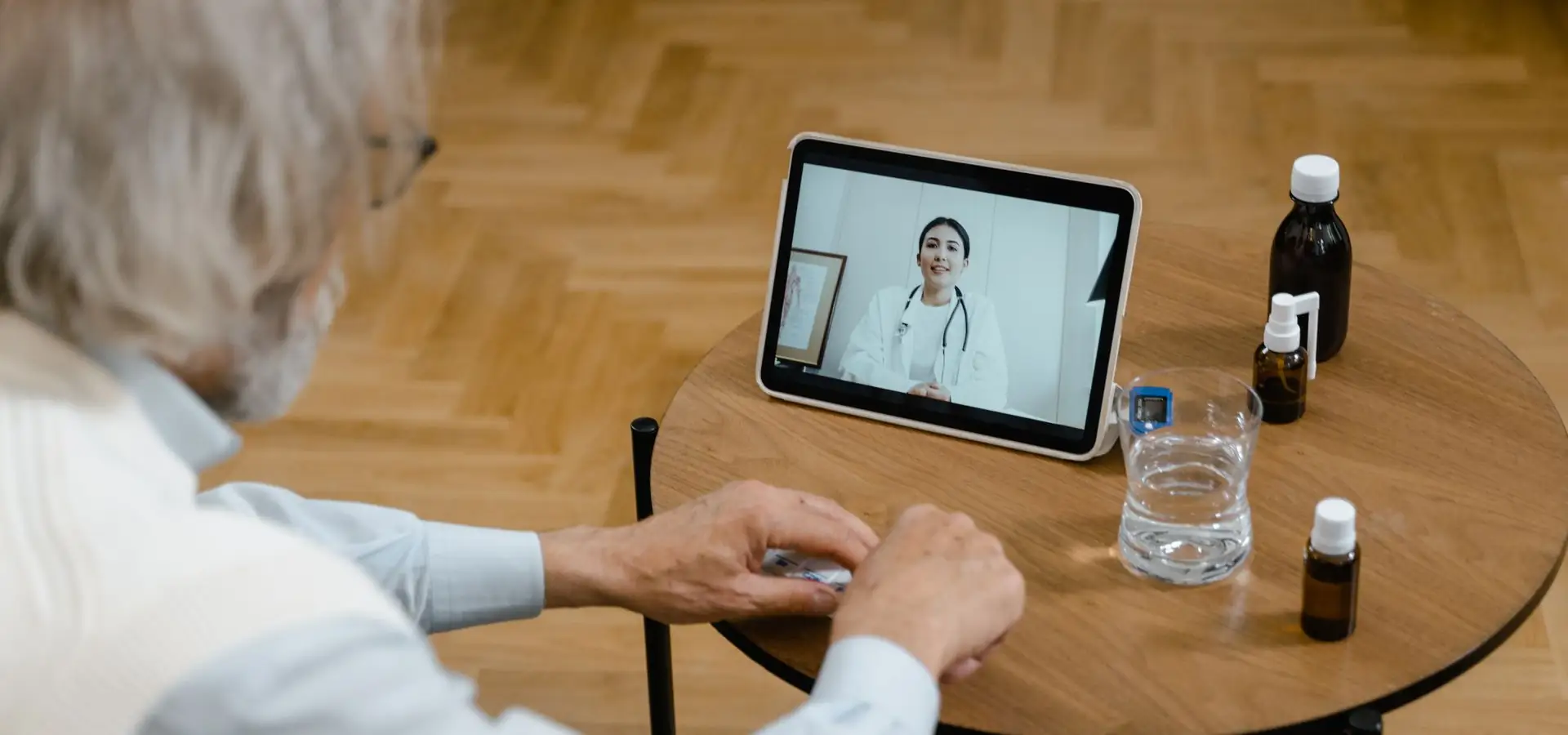
Novareach Remote Patient Visits
Care that reaches patients where they are, from their sofa, their desk or their parked car.
Thinking of offering virtual appointments? Book a demo and see the full patient journey.
Not every appointment needs a drive, a parking space and a waiting room. For follow-ups, check-ins and straightforward concerns, remote patient visits can save everyone time while keeping care personal. Novareach helps you set up a smooth virtual visit experience, from booking and reminders to the call itself and the notes afterward.
What a Good Remote Visit Needs
A simple, private way for patients and providers to meet face to face on screen.
A short walkthrough so patients know how to join, check their camera and find a quiet spot.
Intake details and visit information go to the right profile without extra typing.
Draft visit notes for clinicians to review, so documentation keeps pace with your schedule.
Friendly messages before and after each visit so nobody misses the link.
Why Practices Offer Them
Patients with busy schedules, limited mobility or long commutes often find remote patient visits far easier to attend. That tends to mean fewer cancellations and better follow-through on care plans. For your team, secure video visits can ease pressure on the waiting room and make room for in-person patients who need hands-on care.
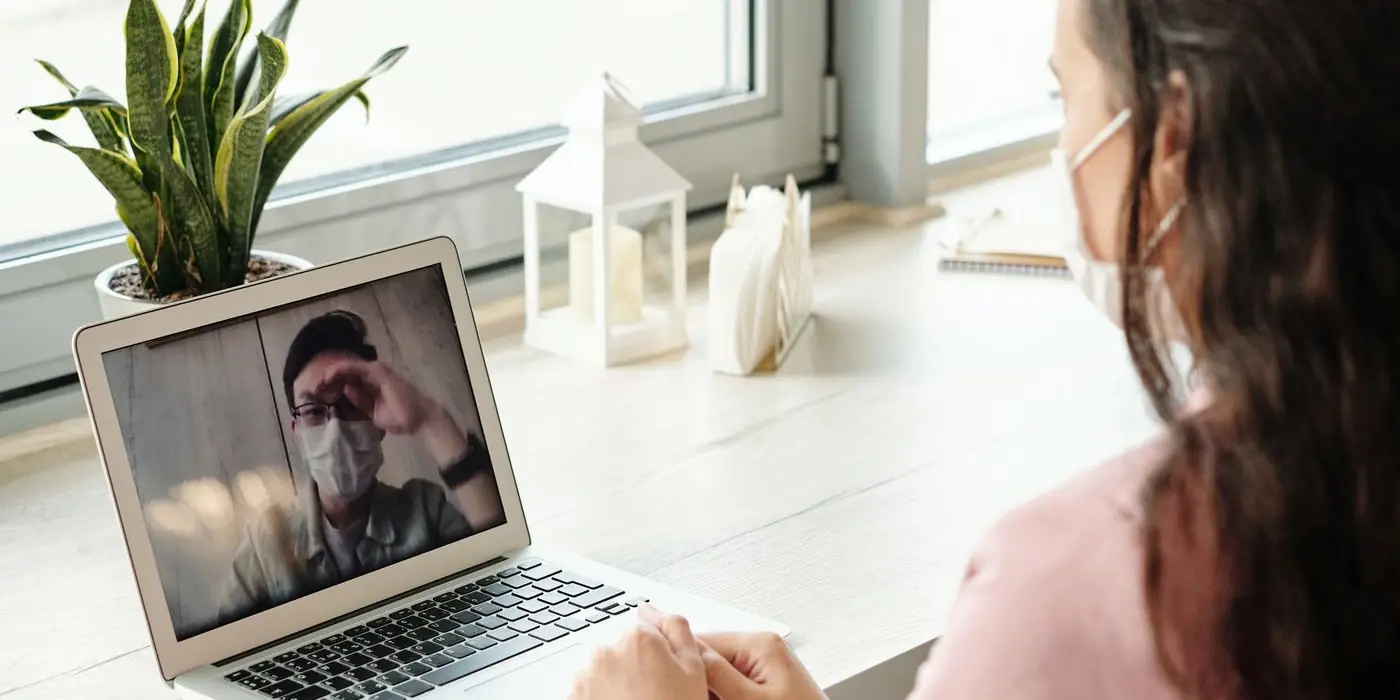
When Remote Works Well, and When It Doesn't
| Often a good fit | Usually better in person |
|---|---|
| Follow-up conversations | Physical examinations |
| Medication check-ins | Tests and procedures |
| Reviewing results | Anything urgent or emergency-related |
| Simple consultations | Concerns a provider can't assess on screen |
Your providers always decide what's appropriate, and a visit can switch to in-person whenever needed.
How to Get Started
Making Patients Feel Looked After
The best virtual visits still feel human. Greet patients by name, look at the camera when you speak and check that they can hear you before you begin. A warm start puts nervous patients at ease and makes the screen feel a lot less like a barrier. Afterward, AI Note Assist can turn the conversation into a draft for your clinician to review, and Patient records automation makes sure the details land in the right profile.
Frequently Asked Questions
Usually just a phone, tablet or computer with a camera and internet. We'll confirm the specifics for your setup.
They're designed to protect patient conversations. Details depend on your configuration, so we'll walk through them with you.
Your healthcare setup video guide and a simple reminder usually solve it. A staff member can also help by phone.
They complement it. Your providers choose the right format for each patient and situation.
Ready to bring care to your patients' doorstep?
Book a demo and we'll plan your first remote visit workflow.