5 Automations That Make Remote Patient Monitoring Work for Small Care Teams
A numbered guide to automating remote patient monitoring for small care teams: home readings, personal thresholds, triage views, patient reminders, escalation protocols and a sample readmission chart.
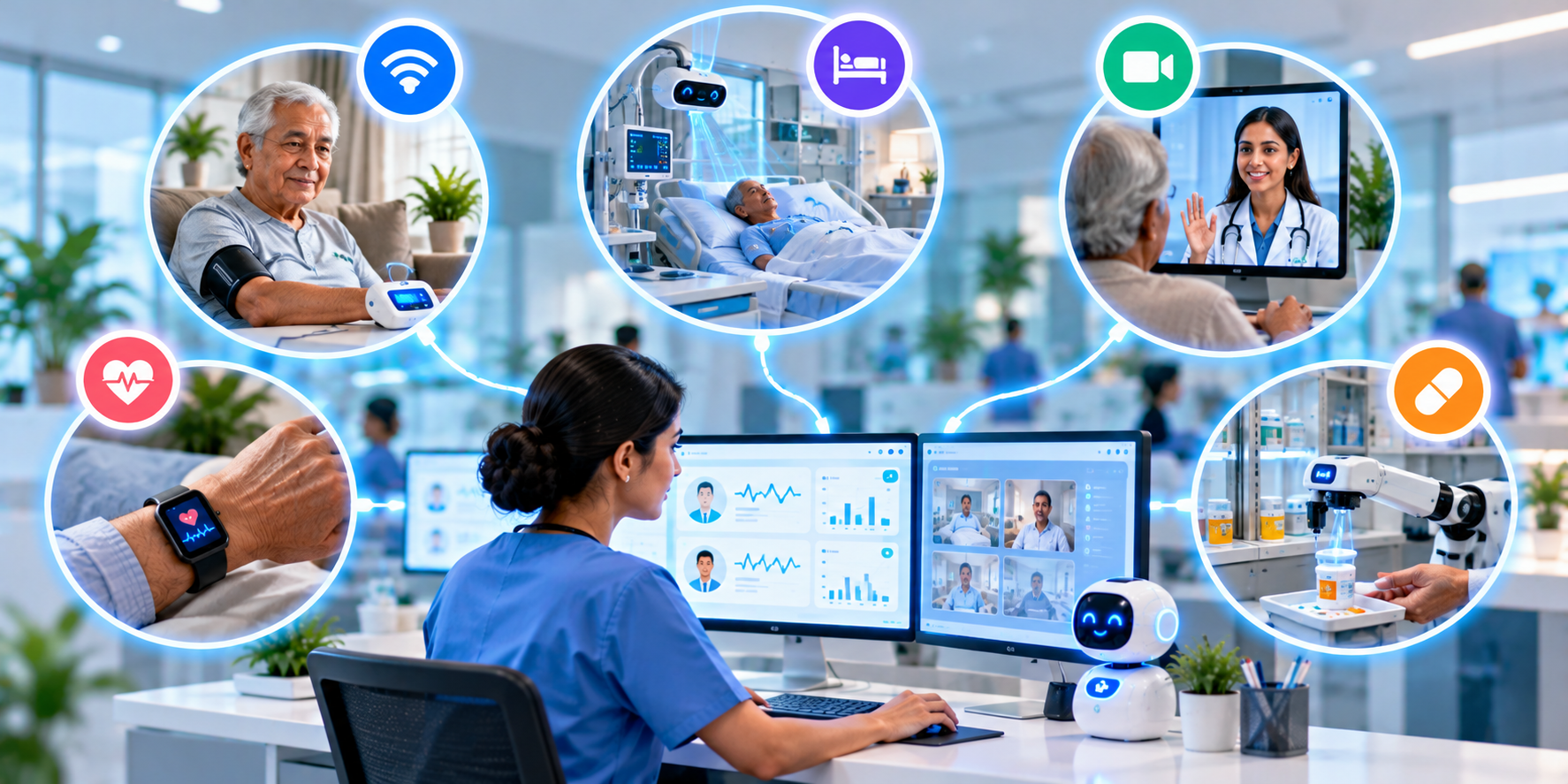
Patients with long-term conditions such as diabetes, high blood pressure or heart disease need regular attention between visits. Small care teams cannot call every patient every day. Remote patient monitoring with smart automation lets a few staff watch many patients and act early only when needed.
1. Collect Readings From Patients' Own Devices
Patients can enter or sync readings such as blood pressure, blood sugar, weight or oxygen level from home devices or a simple app. The data lands in one dashboard linked to the patient record.
2. Set Personal Alert Thresholds
The care team defines safe ranges for each patient. When a reading falls outside the range or follows a worrying trend, the system raises an alert for a nurse or doctor to review. Clinicians stay in charge of decisions.
3. Sort Patients by Priority
A triage view shows who needs attention now, who is stable and who has stopped sending readings. The team spends time where it matters instead of scanning every chart.
4. Send Gentle Reminders to Patients
If a patient forgets to take a reading, the system sends a friendly reminder. Patients also receive short messages when their readings are good, which keeps them motivated.
5. Escalate Urgent Cases With Clear Steps
For serious readings, the system follows a set protocol: notify the on-duty nurse, call the patient and, if there is no response, alert a doctor. Every step is logged for safety and review.
| Task | Manual way | Automated way |
|---|---|---|
| Collecting readings | Phone calls and paper diaries | Device or app sync into the record |
| Spotting problems | Noticed at the next visit | Threshold and trend alerts |
| Patient reminders | Staff call each patient | Automatic scheduled messages |
| Escalation | Depends on who is available | Protocol-based, fully logged |
6. Avoidable Readmissions: A Sample Result
An illustrative example for a clinic with a chronic care program. Each block (█) equals 1 percentage point of patients with an avoidable readmission.
| Stage | Avoidable readmissions | Bar chart |
|---|---|---|
| Before monitoring | 18% | ██████████████████ |
| Month 3 | 14% | ██████████████ |
| Month 6 | 11% | ███████████ |
| Month 9 | 8% | ████████ |
7. Safety and Privacy Basics
- Get clear patient consent for remote monitoring.
- Protect data with encryption, role-based access and audit logs.
- Remember that alerts support clinicians and do not replace emergency care.
- Give patients a clear number to call when they feel unwell.
The Takeaway
Remote monitoring lets small teams support more patients and catch problems earlier. If you want a monitoring and alerting system built for your care program, talk to the Nova Reach Digital team or read about our automation services.
Get Directions
Frequently Asked Questions
Keep reading
Hospital HR and Payroll Automation: 6 Tasks to Automate for Doctors and Nurses
A detailed, numbered guide to hospital HR and payroll automation: staff records, attendance, leave, rule-based salary calculation, compliance, digital payslips and a sample payroll-time chart.
Hospital Management Dashboards: 5 Reports Every Owner Should Receive Automatically
A detailed, numbered guide to five automated dashboards for hospital owners: daily operations, revenue, department performance, patient experience, cost and inventory, plus build tips and a sample reporting-time chart.
Insurance and TPA Pre-Authorization Automation: 5 Ways to Get Faster Approvals
A detailed, numbered guide to automating insurance and TPA pre-authorization: eligibility checks, auto-filled forms, document checklists, live tracking, faster query replies and a sample approval-time chart.
Put These Ideas to Work with NovaReach
Automate your marketing, launch AI voice agents, and keep every lead moving, all from one dashboard.