5 Steps to Automate Patient Appointment Scheduling and Cut No-Shows
A numbered guide for clinics and hospitals on automating appointment scheduling: online booking, WhatsApp reminders, easy rescheduling, waitlist auto-fill and a sample no-show chart.
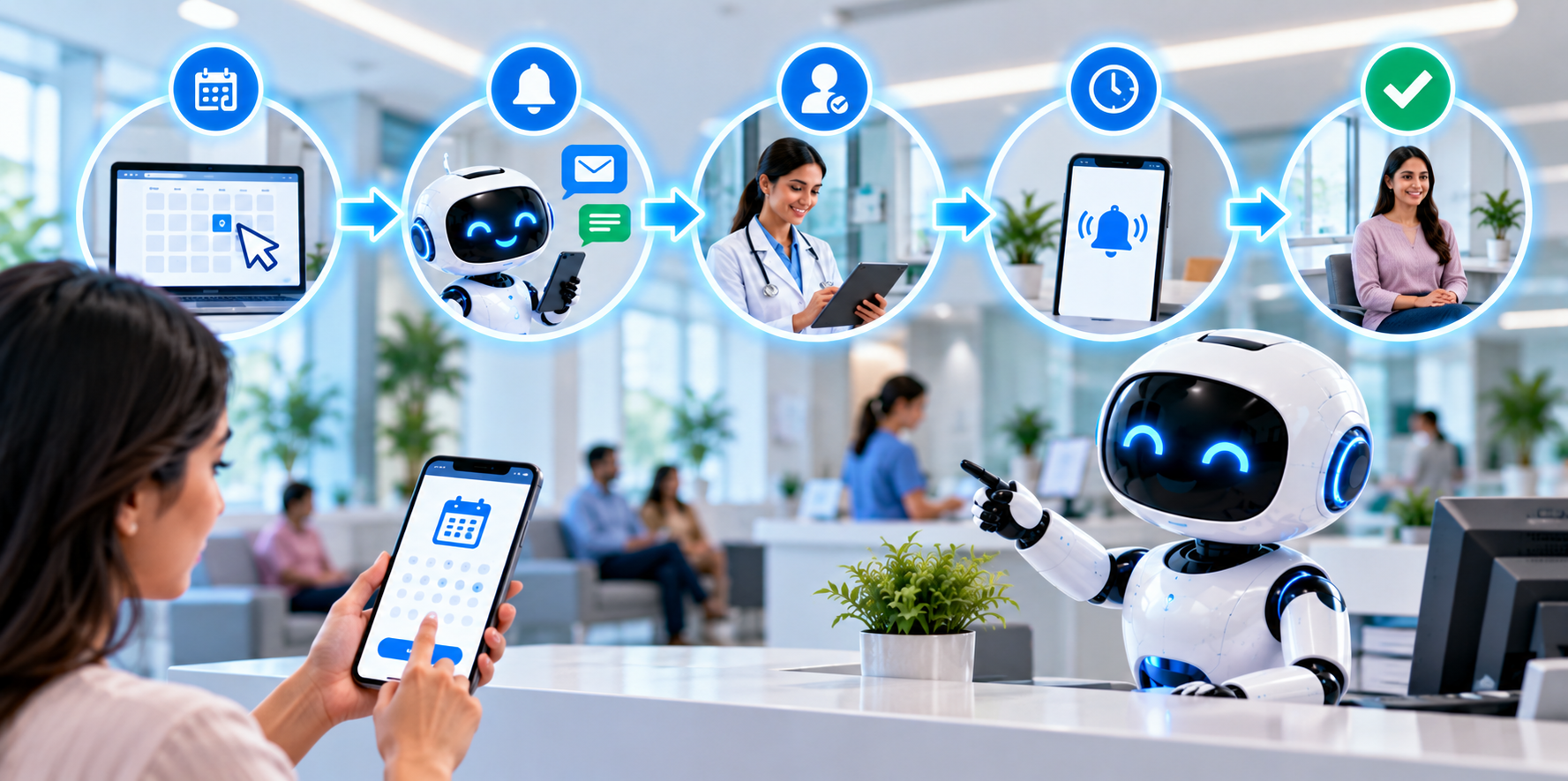
Every missed appointment is an empty slot, an idle doctor and a patient who still needs care. Most no-shows are not carelessness. People forget, cannot reach the front desk or do not know how to reschedule. Automation fixes these gaps without adding work for your staff.
1. Online Booking That Syncs With Doctor Calendars
Let patients pick a doctor, a service and a time slot from their phone. The booking should update the doctor's calendar instantly, so double bookings never happen and the front desk stops answering the same calls all day.
2. Automatic Reminders on WhatsApp, SMS and Email
Reminders work best when they are timed and sent where patients already look. A simple cadence is enough.
| When | Channel | Message |
|---|---|---|
| On booking | WhatsApp or SMS | Confirmation with doctor, time and clinic address |
| 24 hours before | Reminder with Confirm and Reschedule buttons | |
| 2 hours before | SMS | Short reminder with directions |
| After a missed visit | Friendly note with a one-tap rebooking link |
3. One-Tap Reschedule and Cancel
If cancelling is hard, patients simply do not show up. Give them a link to move or cancel the visit in seconds. A cancelled slot that is released early can be filled by someone else.
4. Waitlist Auto-Fill
When a slot opens, the system can message the next patients on the waitlist and confirm the first one to reply. The doctor's day stays full and the front desk does nothing.
5. A Simple Dashboard for the Front Desk
- Today's confirmed, unconfirmed and cancelled visits in one view.
- No-show rate by doctor, service and weekday.
- Slots released and refilled each week.
No-Show Rate: A Sample Result
An illustrative example for a busy clinic. Each block (█) equals 1 percentage point of no-shows.
| Stage | No-show rate | Bar chart |
|---|---|---|
| Before automation | 22% | ██████████████████████ |
| Month 1 | 16% | ████████████████ |
| Month 3 | 11% | ███████████ |
| Month 6 | 8% | ████████ |
The Takeaway
Scheduling automation is often the fastest win in healthcare because it helps patients, doctors and staff at the same time. If you would like custom scheduling software for your clinic or hospital, contact the Nova Reach Digital team or learn more about our automation services.
Get Directions
Frequently Asked Questions
Keep reading
What Are the Top Missed-Call Text Back Setups for Clinics? Reading the Setup Table, the Five Steps and the Sample Missed-Call Follow-Up
A question-and-answer guide to the top missed-call text back setups for clinics: what it is, why missed calls cost patients, 5 setup steps, a setups table, a sample follow-up chart, texting and privacy rules and FAQs.
What Are the Top AI Chatbots for Healthcare Practices and How Do You Choose? Reading the Build Options, the Five Steps and the Sample Patient Inquiries
A question-and-answer guide to the top AI chatbots for healthcare practices: what they do, why they disappoint, 5 launch steps, a build-options table, a sample patient-inquiry chart, HIPAA and safety rules and FAQs.
What Are the Top AI Answering Services for Doctors and How Do You Choose? Reading the Service Types, the Five Steps and the Sample After-Hours Follow-Up
A question-and-answer guide to the top AI answering services for doctors: what they do, why after-hours calls get lost, 5 steps to choose, a service-types table, a sample follow-up chart, rules and FAQs.
Put These Ideas to Work with NovaReach
Automate your marketing, launch AI voice agents, and keep every lead moving, all from one dashboard.