AI Appointment Booking for Healthcare: How Clinics and Hospitals Reduce Patient No-Shows With Smart Reminders
Learn how AI appointment booking and automated reminders reduce no-shows in clinics and hospitals, with patient-friendly sequences, waitlist backfilling and privacy-conscious communication practices.
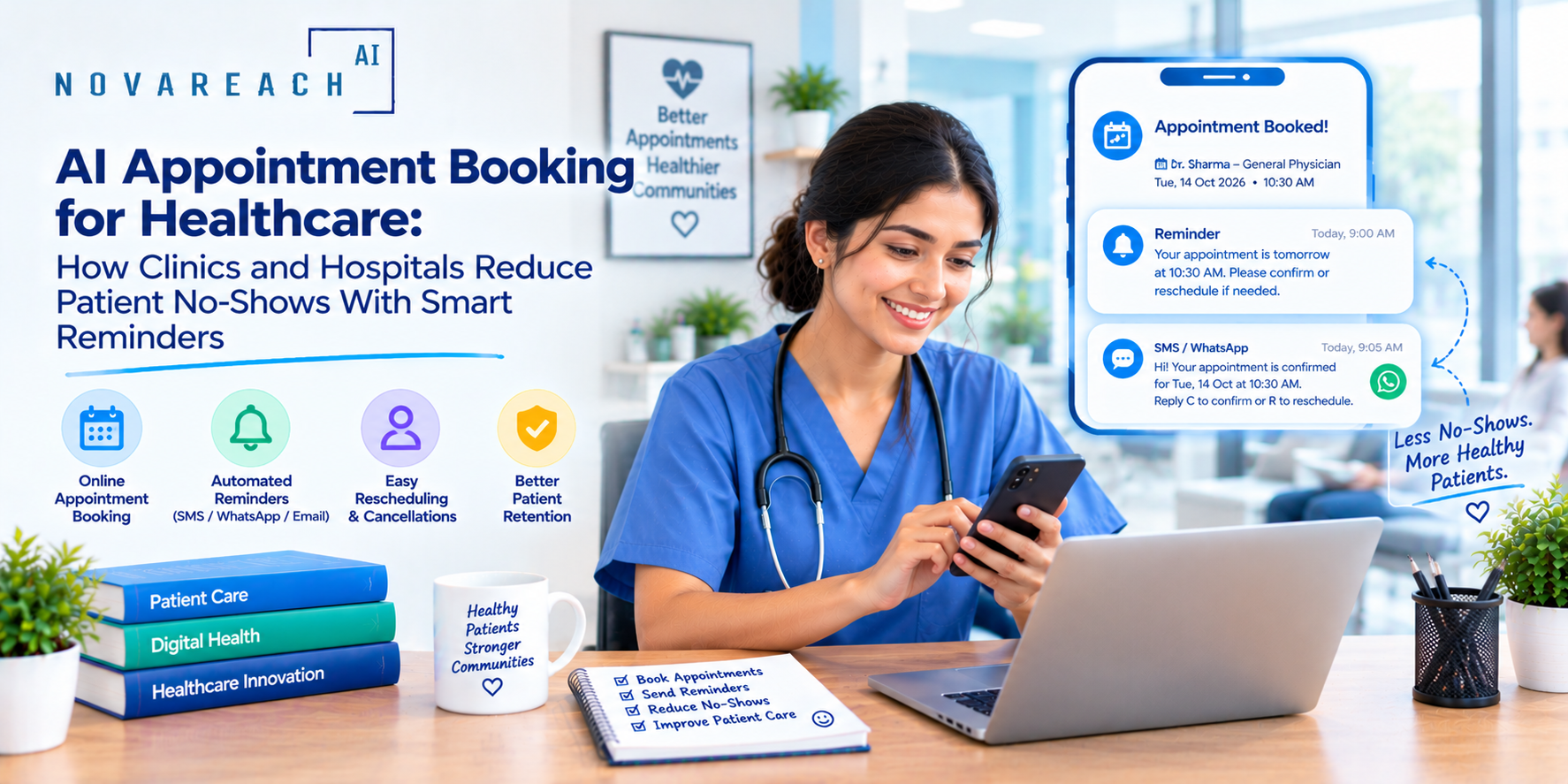
An empty appointment slot in a medical practice is not just lost revenue. It is also a patient who did not receive care, a provider whose time went unused and another patient who might have been seen sooner. No-shows and late cancellations are a persistent challenge for clinics, specialty practices and hospital outpatient departments. The good news is that thoughtful automation, including AI appointment booking and smart reminders, can reduce missed visits while making scheduling easier for patients.
This guide explains why patients miss appointments, how automated scheduling and reminders work, how to design patient-friendly communication and how to stay compliant with privacy and consent rules.
Why Patients Miss Appointments
Patients miss visits for many understandable reasons, and few of them are about not caring:
- Forgetting: Appointments are often booked weeks or months ahead.
- Logistics: Transportation, childcare, work schedules and parking can get in the way.
- Difficulty rescheduling: If changing an appointment requires a phone call during business hours, many patients simply do not show up.
- Anxiety or avoidance: Some patients delay care out of worry or discomfort.
- Cost concerns: Uncertainty about insurance or out-of-pocket costs can discourage attendance.
- Unclear instructions: Patients may not know where to go or how to prepare.
Understanding these causes helps you design reminders and scheduling that address real barriers, not just send more messages.
What AI Appointment Booking Can Do
- Offer 24/7 scheduling by phone, text, chat or web so patients can book when it is convenient.
- Match patients to appropriate visit types using rules your clinical team defines.
- Fill cancelled slots from a waitlist automatically.
- Handle rescheduling through a simple link or conversation without a call to the front desk.
- Send confirmations and reminders by text, email or voice, depending on patient preference and consent.
- Provide pre-visit information such as location, parking, forms to complete and general preparation instructions approved by your team.
- Collect pre-visit forms through secure, compliant channels.
Designing an Effective Reminder Sequence
Good reminders are timely, clear and easy to act on. A common structure looks like this:
- Immediate confirmation after booking, with date, time, location and how to reschedule.
- Reminder one week before for longer-lead appointments, such as specialist visits or procedures.
- Reminder one to two days before asking the patient to confirm, reschedule or cancel.
- Same-day reminder with arrival time, parking and check-in instructions.
- Post-visit follow-up with thanks, next steps and a prompt to book follow-up care if needed.
Offer a clear way to respond. A simple reply or one-tap link works better than asking patients to call.
Reducing Barriers, Not Just Sending Reminders
Reminders help with forgetfulness, but they do not solve every cause. Consider combining them with:
- Flexible scheduling, including early, late and weekend hours where possible.
- Telehealth options for eligible visits.
- Transportation resources or partnerships for patients with access barriers.
- Clear information about what to bring, what to expect and estimated costs.
- Staff outreach for high-risk or high-priority appointments, such as follow-up after hospitalization or cancer screening.
Waitlists and Smart Backfilling
When a patient cancels, the open slot can often be offered to the next patient on a waitlist automatically. This keeps schedules full, reduces wait times for patients and recovers capacity that would otherwise be lost. Make sure rules reflect clinical priorities, so urgent patients are offered openings first.
Privacy, Consent and Compliance
- Minimum necessary information. Keep messages limited. Avoid including diagnoses, procedure names or sensitive details in texts and voicemails.
- Consent for communication. Follow rules for text and phone messages and honor opt-outs promptly.
- Secure channels. Use platforms that meet your security and HIPAA requirements for anything involving protected health information, and confirm that appropriate agreements are in place.
- Patient preferences. Record whether patients prefer text, email, phone or mail and respect those choices.
- Accessibility and language. Offer messages in the languages your patients use and ensure they are readable and usable for people with disabilities.
This is general information, not legal advice. Consult your compliance and legal advisors.
Step-by-Step Implementation
- Measure your baseline. Calculate no-show and late cancellation rates by clinic, provider, day and visit type.
- Identify patterns. Look for visit types or times with higher missed appointments.
- Choose scheduling tools that integrate with your electronic health record or practice management system.
- Write patient-friendly message templates and have them reviewed by compliance.
- Set up the reminder sequence and a simple response process.
- Enable waitlist backfilling with clinical rules.
- Pilot in one clinic. Compare results with a baseline period.
- Refine and expand based on patient feedback and data.
Metrics to Track
- No-show rate and late cancellation rate.
- Percentage of appointments confirmed in advance.
- Schedule utilization and fill rate for cancelled slots.
- Time to next available appointment.
- Patient satisfaction with scheduling and communication.
- Staff time spent on reminder calls.
Common Mistakes
- Sending too many messages. Over-messaging causes opt-outs and annoyance.
- Including sensitive details in texts. Keep messages generic and minimal.
- No easy way to reschedule. If patients cannot change appointments quickly, they will skip them.
- Ignoring equity. Not all patients have smartphones or reliable internet. Offer phone and mail options.
- Penalizing without understanding. Strict policies without addressing barriers can harm patient relationships and access.
Final Thoughts
AI appointment booking and automated reminders can help healthcare organizations reduce no-shows, fill schedules and make care easier to access. The best systems combine clear communication, flexible options and respect for privacy and patient preferences. If you want help designing an appointment scheduling and reminder system for your clinic or hospital outpatient services, Nova Reach Digital can help you plan and implement it.
Frequently Asked Questions
Keep reading
What Are the Top Missed-Call Text Back Setups for Clinics? Reading the Setup Table, the Five Steps and the Sample Missed-Call Follow-Up
A question-and-answer guide to the top missed-call text back setups for clinics: what it is, why missed calls cost patients, 5 setup steps, a setups table, a sample follow-up chart, texting and privacy rules and FAQs.
What Are the Top AI Chatbots for Healthcare Practices and How Do You Choose? Reading the Build Options, the Five Steps and the Sample Patient Inquiries
A question-and-answer guide to the top AI chatbots for healthcare practices: what they do, why they disappoint, 5 launch steps, a build-options table, a sample patient-inquiry chart, HIPAA and safety rules and FAQs.
What Are the Top AI Answering Services for Doctors and How Do You Choose? Reading the Service Types, the Five Steps and the Sample After-Hours Follow-Up
A question-and-answer guide to the top AI answering services for doctors: what they do, why after-hours calls get lost, 5 steps to choose, a service-types table, a sample follow-up chart, rules and FAQs.
Put These Ideas to Work with NovaReach
Automate your marketing, launch AI voice agents, and keep every lead moving, all from one dashboard.