AI Marketing Workflow and Business Process Automation: How Small Businesses Save Hours Every Week and Boost Productivity
Learn how AI marketing workflows and business process automation improve marketing efficiency and productivity for small businesses, with a task audit, five workflows to build first and a four-week rollout plan.
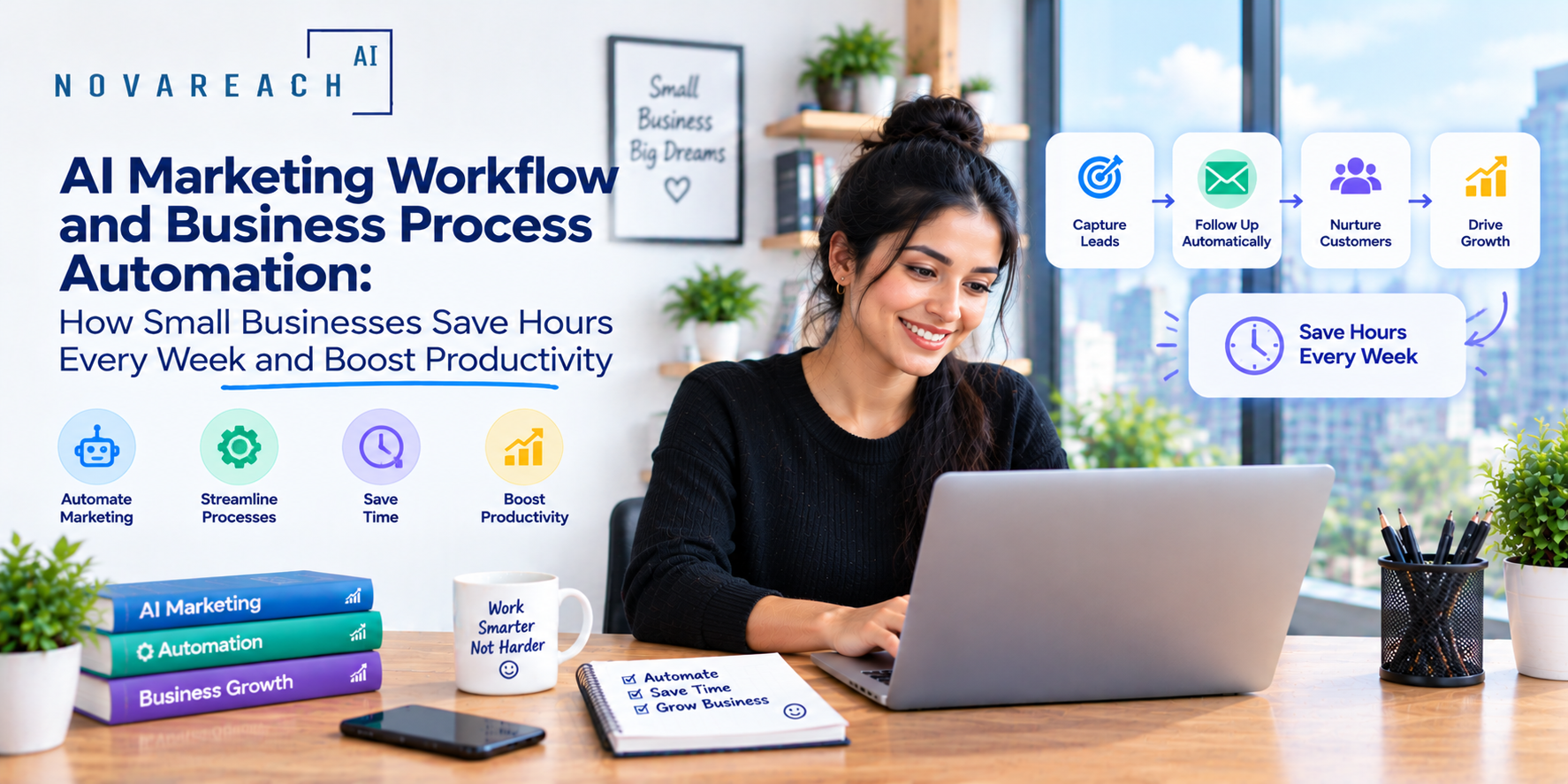
Ask a small business owner where their week goes and the answer is rarely "marketing strategy." It is chasing leads, copying data between tools, writing the same emails again, building reports by hand and answering the same questions repeatedly. These tasks are necessary but low-value. AI marketing workflows and business process automation reclaim that time by turning repeatable work into systems that run on their own.
This guide shows how to find the tasks worth automating, design a simple AI marketing workflow, improve marketing efficiency and productivity, and avoid the common traps that make automation more work than it saves.
What Is an AI Marketing Workflow?
A workflow is a repeatable sequence of steps that moves work from start to finish. An AI marketing workflow uses automation and AI to handle some or all of those steps. For example: a new lead fills out a form, the system tags the source, sends a personalized confirmation, creates a CRM record, notifies the right team member, books a call and begins a follow-up sequence. Done manually, that might take fifteen minutes per lead. Automated, it takes seconds and never forgets a step.
What Is Business Process Automation?
Business process automation extends the same idea beyond marketing: invoicing, onboarding, scheduling, customer support, reporting and internal approvals. Connecting marketing workflows to these processes removes hand-offs where information is lost and delays creep in.
Why Efficiency and Productivity Matter for Small Teams
- Time is the scarcest resource. Every hour spent on repetitive tasks is an hour not spent on customers, products or strategy.
- Consistency builds trust. Systems do not forget follow-ups or send messages late.
- Scaling becomes possible. Processes that run automatically can handle more volume without more hires.
- Errors decrease. Less manual copying means fewer mistakes in contact details, quotes and reports.
- Insights improve. When data flows into one place, it is easier to see what works.
Step 1: Audit How Your Time Is Really Spent
Before choosing tools, track one or two weeks of work. List every recurring marketing and admin task, how often it happens and how long it takes. Mark the tasks that are repetitive, rule-based and easy to describe. Those are the best automation candidates. Tasks that require judgment, creativity or sensitive conversations should stay human.
Step 2: Prioritize by Impact and Effort
Score each candidate on two questions: how much time or revenue would this save, and how hard is it to automate? Start with high-impact, low-effort tasks. Typical quick wins include lead notifications, instant replies, appointment reminders, review requests, social post scheduling and weekly report emails.
Step 3: Map the Workflow Before You Build It
Sketch each workflow on paper or a whiteboard:
- Trigger: What starts the process? A form, call, purchase, date or tag.
- Actions: What should happen, in what order?
- Conditions: Where does the path split? For example, qualified versus unqualified leads.
- Hand-offs: When does a person take over?
- Outcome: What does success look like, and how will you measure it?
A clear map prevents the tangled, hard-to-fix automations that many small businesses end up with.
Five AI Marketing Workflows Worth Building First
1. New Lead Workflow
Trigger: form submission, call or message. Actions: create or update the CRM record, tag the source, send an instant confirmation, notify the owner, offer a booking link and start a short follow-up sequence.
2. Appointment Workflow
Trigger: booking made. Actions: send confirmation, add reminders, collect intake details, follow up after the visit and request a review.
3. Content Workflow
Trigger: monthly planning date. Actions: generate topic ideas, create outlines, produce first drafts for review, schedule publishing and repurpose each piece for email and social channels.
4. Customer Re-Engagement Workflow
Trigger: no purchase or visit in a set period. Actions: send a helpful check-in message, offer a relevant reminder or incentive and move non-responders to a lighter list.
5. Reporting Workflow
Trigger: every Monday morning. Actions: pull key numbers from analytics, ads, email and CRM, summarize changes in plain language and email the team a one-page snapshot.
Choosing Tools Without Overbuilding
Pick tools that connect well rather than chasing every feature. Look for:
- Integrations: The ability to connect your website, CRM, calendar, email and phone system.
- Ease of use: Visual builders that your team can maintain.
- Reliability and support: Clear logs and alerts when something fails.
- Data ownership: Easy export so you are never locked in.
- Fair pricing: Costs that scale sensibly with your volume.
Fewer, well-connected tools are usually better than a patchwork of many.
Keep People Where They Matter
Automation should create more time for human work, not replace it. Reserve people for relationship-building, complex questions, pricing discussions, sensitive customer issues and creative decisions. Build clear hand-off rules so a customer can reach a person whenever needed.
Measuring Efficiency and Productivity Gains
- Hours saved per week on recurring tasks.
- Speed to lead: Time from inquiry to first response.
- Follow-up completion rate: Share of leads that received every planned touch.
- Error rate: Corrections needed in records and reports.
- Cost per lead and per customer as volume grows.
- Team satisfaction: Whether staff feel less buried in admin work.
Common Mistakes to Avoid
- Automating a bad process. Fix the process first, then automate it.
- Building everything at once. Launch one workflow, test it and learn before adding another.
- No ownership. Assign someone to monitor and update each workflow.
- Skipping testing. Run test leads through every path before going live.
- Forgetting maintenance. Offers, prices and links change. Review automations quarterly.
- Ignoring compliance. Respect consent, privacy and opt-out rules in every message.
A Four-Week Rollout Plan
- Week 1: Audit tasks, choose three candidates and map their workflows.
- Week 2: Build and test the new lead workflow.
- Week 3: Add the appointment and review request workflows.
- Week 4: Add weekly reporting, measure hours saved and plan the next round.
Final Thoughts
AI marketing workflows and business process automation help small businesses do more with the people they already have. Start with the repetitive tasks that drain your week, map them clearly, automate one workflow at a time and keep humans in charge of relationships. If you want help designing and building workflows that fit your business, Nova Reach Digital can set them up and keep them running smoothly.
Frequently Asked Questions
Keep reading
AI Marketing Strategy for Small and Local Businesses: How to Choose AI Marketing Tools and Map the Customer Journey
Learn how to build an AI marketing strategy for your small or local business: set goals, map the customer journey, choose AI marketing tools wisely and follow a practical 90-day roadmap.
Local SEO for Local Businesses: The Complete Guide to Improving Local Search Visibility, Google Maps Rankings and Local Ranking
A practical local SEO guide for US businesses: how local rankings work, the factors that matter most and a 90-day plan to improve local search visibility and Google Maps results.
AI Voice Agent for Small Businesses: The Complete Guide to Automated Phone Answering, Appointment Booking and Missed-Call Recovery
Learn how an AI voice agent handles automated phone answering, books appointments and qualifies leads for small businesses, plus setup steps, legal considerations and mistakes to avoid.
Put These Ideas to Work with NovaReach
Automate your marketing, launch AI voice agents, and keep every lead moving, all from one dashboard.