Automated Appointment Reminders: How New York Service Businesses Can Cut No-Shows and Fill Every Slot
Missed appointments cost New York service businesses time and revenue. Here is how automated reminders, easy rescheduling and AI follow-up can reduce no-shows without extra work for your team.
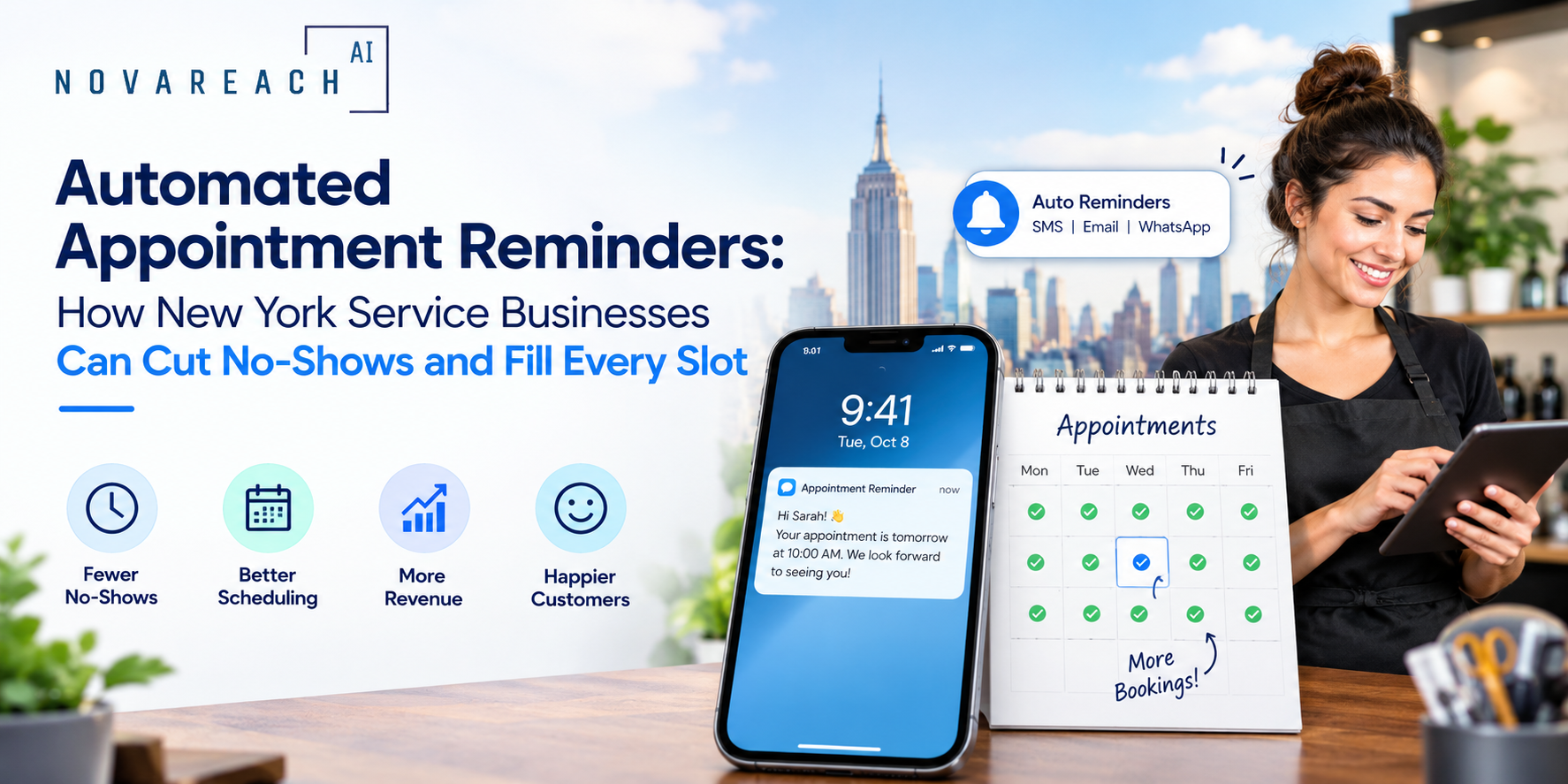
An empty appointment slot is lost revenue that you cannot get back. For service businesses across New York, from salons and clinics to law offices and home-service companies, no-shows and late cancellations quietly drain the week. The good news is that a simple, automated reminder system fixes much of the problem without adding work for your team.
Why Customers Miss Appointments
Most no-shows are not malice. People forget, get busy, lose the confirmation email, or cannot figure out how to reschedule. If rescheduling means calling during business hours, many will simply not bother. That is a process problem, and process problems can be automated.
The Core Reminder Sequence
A reliable setup uses a small number of well-timed touchpoints:
- Instant confirmation: Sent the moment someone books, with the date, time, address and any preparation notes.
- Reminder a day or two before: A short text with a one-tap option to confirm or reschedule.
- Same-day nudge: A brief message a few hours before, including parking or arrival tips if relevant.
- Post-visit follow-up: A thank-you, plus a prompt to rebook or leave a review.
Text or Email?
Text messages tend to be read faster, so they work best for time-sensitive reminders. Email is better for longer details such as intake forms or directions. Many businesses use both: email for the confirmation, text for the reminders. Always make sure customers have agreed to receive text messages, and include a simple way to opt out.
Make Rescheduling Effortless
The single biggest improvement you can make is letting customers change their booking without calling. Include a reschedule link in every reminder. When a customer cancels, the slot can be released immediately and, if you keep a waitlist, offered to the next person automatically.
Step-by-Step: Setting It Up
- Audit your current no-show pattern. Note which days, services and customer types miss the most appointments.
- Choose a booking tool that sends reminders. Most modern scheduling and CRM platforms include this.
- Write short, friendly templates. Include the business name, service, time and a clear reply or link option.
- Set your timing. Start with a confirmation, a reminder 24 to 48 hours ahead and one same-day message.
- Add a rescheduling link and a waitlist rule. Fill cancelled slots quickly.
- Track results for a month. Compare your no-show rate before and after, then fine-tune timing and wording.
Where AI Fits In
AI can personalize reminders based on the service booked, answer common questions such as hours, pricing and directions, and handle rescheduling requests by text or voice. An AI receptionist can also capture bookings after hours, so reminders start working from the first conversation. Keep a human in the loop for sensitive cases like medical or legal matters, and review messages regularly so the tone stays natural.
Common Mistakes
- Sending too many reminders. Two or three is plenty. More can annoy customers.
- Generic wording. A message that names the service and the person feels far more helpful.
- No easy reply path. If customers cannot respond in one tap, reminders lose most of their value.
- Ignoring consent rules. Get permission for texts and honor opt-outs promptly.
The Bottom Line
Automated appointment reminders are one of the simplest, lowest-risk ways to protect revenue and free up staff time. Start with a basic three-message sequence, make rescheduling easy, and improve from there. If you want a reminder and follow-up workflow built around how your business actually runs, Nova Reach Digital can help you set it up.
Frequently Asked Questions
Keep reading
What Are the Top Missed-Call Text Back Setups for Clinics? Reading the Setup Table, the Five Steps and the Sample Missed-Call Follow-Up
A question-and-answer guide to the top missed-call text back setups for clinics: what it is, why missed calls cost patients, 5 setup steps, a setups table, a sample follow-up chart, texting and privacy rules and FAQs.
What Are the Top AI Chatbots for Healthcare Practices and How Do You Choose? Reading the Build Options, the Five Steps and the Sample Patient Inquiries
A question-and-answer guide to the top AI chatbots for healthcare practices: what they do, why they disappoint, 5 launch steps, a build-options table, a sample patient-inquiry chart, HIPAA and safety rules and FAQs.
What Are the Top AI Answering Services for Doctors and How Do You Choose? Reading the Service Types, the Five Steps and the Sample After-Hours Follow-Up
A question-and-answer guide to the top AI answering services for doctors: what they do, why after-hours calls get lost, 5 steps to choose, a service-types table, a sample follow-up chart, rules and FAQs.
Put These Ideas to Work with NovaReach
Automate your marketing, launch AI voice agents, and keep every lead moving, all from one dashboard.