Automated Review Management for New York Businesses: How to Get More Google Reviews Without Chasing Customers
A practical guide to automated review management for New York businesses: how to ask for reviews at the right moment, reply faster, and protect your reputation without adding hours to your week.
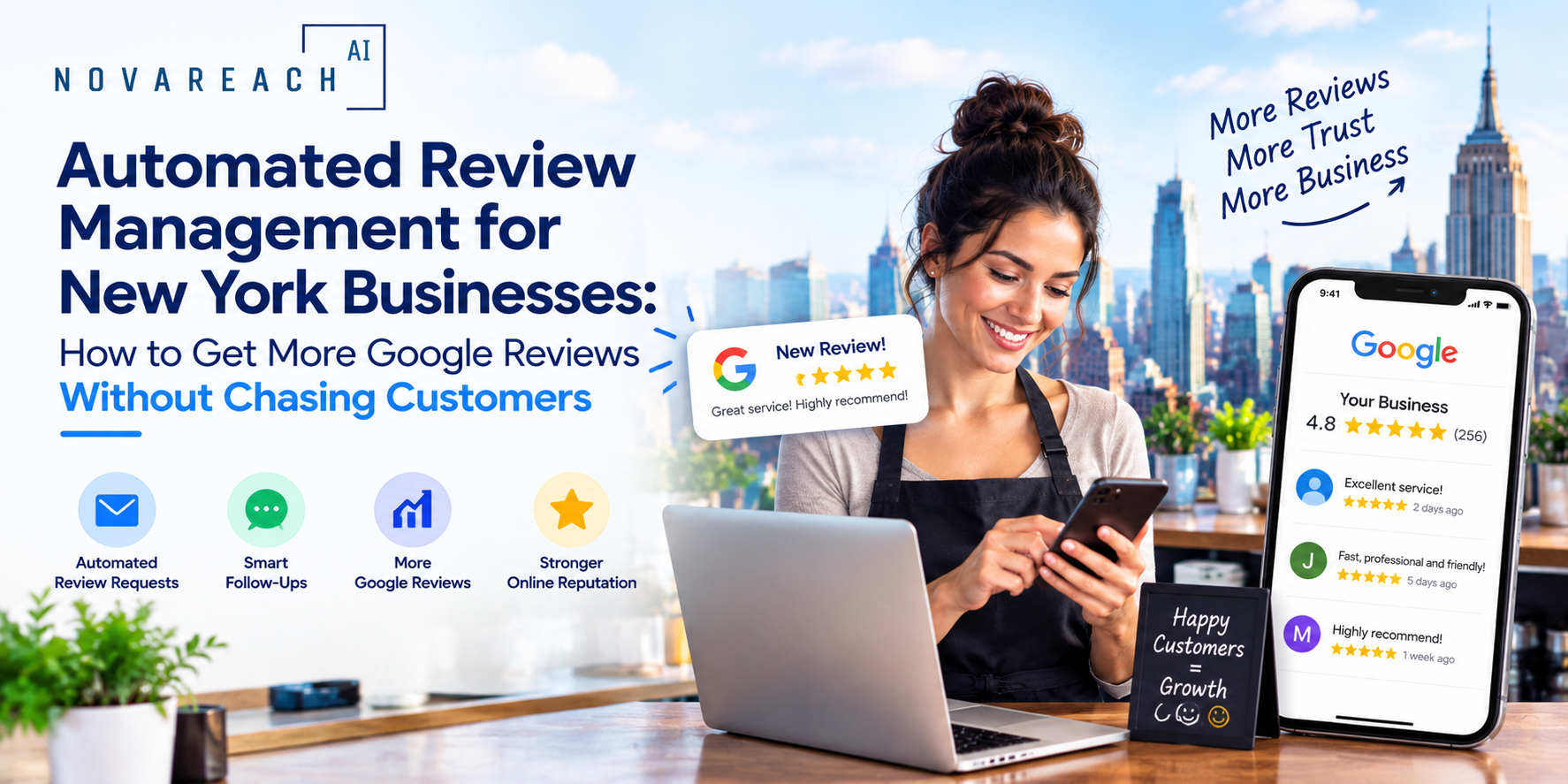
For most New York businesses, reviews are the first impression. Before someone calls, books or walks in, they check your rating. The problem is that asking for reviews is easy to forget, and replying to them takes time most owners do not have. Automated review management solves both, while keeping the process personal.
Why Reviews Matter More Than Ever for Local Businesses
Reviews influence three things at once: whether people choose you over a competitor, how prominently you appear in local search results, and whether AI assistants and answer engines feel confident recommending you. A steady flow of recent, specific reviews tells both customers and search systems that your business is active and trusted.
Volume alone is not the goal. Recency, variety and genuine detail matter just as much. A business with fresh reviews every week usually looks more reliable than one with a big pile of old ones.
What You Can Safely Automate
Not every part of reputation management should be handed to software. Here is a sensible split:
- Review requests: Send a short text or email after a completed job, appointment or purchase, with a direct link to your Google review page.
- Reminders: One polite follow-up a few days later for customers who have not responded.
- Alerts: Instant notifications when a new review arrives, especially a low rating.
- Reply drafts: AI-generated first drafts of responses that a person reviews and personalizes before posting.
- Reporting: A simple monthly view of rating, volume and common themes.
What Should Stay Human
Responses to negative reviews, anything involving a refund or dispute, and replies to customers with a long history with you should always be handled by a real person. Automation should get you to the conversation faster, not replace the conversation.
Step-by-Step: Setting Up Automated Review Requests
- Get your review link. Copy the direct review link from your Google Business Profile so customers land on the review box in one tap.
- Pick the trigger. Choose the moment when satisfaction is highest: right after service is completed, an order is delivered or a booking ends.
- Write a short, warm message. Two or three sentences, your business name, a thank-you and the link. Mention the specific service when you can.
- Add one reminder. A single follow-up after three to five days is enough. More than that feels pushy.
- Route unhappy feedback privately. If a customer replies with a complaint, flag it so you can resolve it directly and reach out personally.
- Review results monthly. Check how many requests turned into reviews and adjust timing or wording.
How to Reply to Reviews at Scale
Aim to respond to every review, ideally within a day or two. For positive reviews, thank the customer by name and reference something they mentioned. For critical reviews, acknowledge the issue, apologize where appropriate, and offer a way to continue offline. Use AI to speed up the first draft, but always edit so the reply sounds like you and reflects the real situation.
Mistakes to Avoid
- Offering incentives for reviews. Google and other platforms discourage paying for or rewarding reviews, and it can put your listing at risk.
- Filtering only happy customers. Sending requests only to people you expect to be satisfied can violate platform policies. Ask everyone.
- Using identical replies. Copy-paste responses look robotic and add little value.
- Ignoring other platforms. Depending on your industry, Yelp, Facebook and niche directories may matter too.
Putting It Together
Automated review management works best as a small, steady system: ask at the right time, respond quickly, and keep humans in charge of anything sensitive. For busy New York business owners, that consistency compounds into a stronger local reputation, better visibility and more inbound calls. If you would like help setting up a review workflow that fits your business, the team at Nova Reach Digital can build and manage it with you.
Frequently Asked Questions
Keep reading
What Are the Top Missed-Call Text Back Setups for Clinics? Reading the Setup Table, the Five Steps and the Sample Missed-Call Follow-Up
A question-and-answer guide to the top missed-call text back setups for clinics: what it is, why missed calls cost patients, 5 setup steps, a setups table, a sample follow-up chart, texting and privacy rules and FAQs.
What Are the Top AI Chatbots for Healthcare Practices and How Do You Choose? Reading the Build Options, the Five Steps and the Sample Patient Inquiries
A question-and-answer guide to the top AI chatbots for healthcare practices: what they do, why they disappoint, 5 launch steps, a build-options table, a sample patient-inquiry chart, HIPAA and safety rules and FAQs.
What Are the Top AI Answering Services for Doctors and How Do You Choose? Reading the Service Types, the Five Steps and the Sample After-Hours Follow-Up
A question-and-answer guide to the top AI answering services for doctors: what they do, why after-hours calls get lost, 5 steps to choose, a service-types table, a sample follow-up chart, rules and FAQs.
Put These Ideas to Work with NovaReach
Automate your marketing, launch AI voice agents, and keep every lead moving, all from one dashboard.