Google Business Profile Optimization for New York Businesses: 9 Steps to Rank on Google Maps and in AI Answers
Quick answer and 9-step checklist for Google Business Profile optimization in New York: categories, reviews, photos, posts, plus how to get cited in Google AI, ChatGPT and other answer engines.
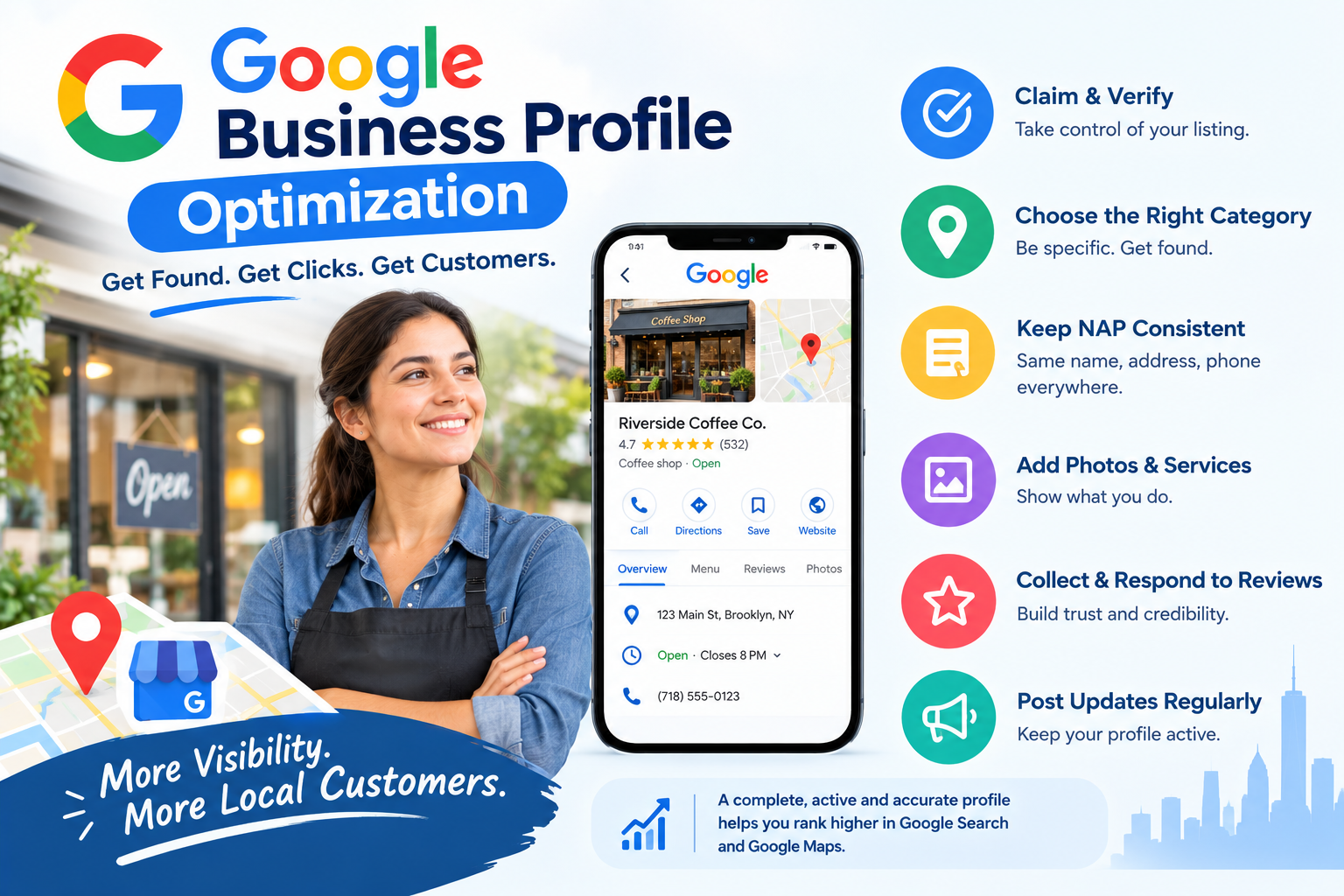
Quick answer: Google Business Profile optimization is the process of completing and maintaining your Google Business Profile (the listing that appears in Google Search and Google Maps) so Google can match your business to local searches. To rank higher, claim and verify the profile, choose the most specific primary category, keep your name, address and phone number consistent, add real photos, collect and answer reviews, and post updates every week.
Last updated: October 2026. Written by the Nova Reach Digital team, a New York marketing and AI automation agency that helps local businesses improve search visibility.
Key Takeaways
- Google says local ranking is based mainly on relevance, distance and prominence.
- You can control relevance (categories, services, description) and influence prominence (reviews, website, citations).
- A complete profile, consistent details and regular activity matter more than any single trick.
- AI can draft review replies, posts and reports, but a person should approve customer-facing content.
What Is Google Business Profile Optimization?
Google Business Profile optimization means making your listing complete, accurate and active. A Google Business Profile is a free listing that shows your business name, address, phone number, hours, photos, reviews and services in local search results and on Google Maps. Optimizing it is a core part of local SEO because it directly affects local search visibility for searches like "dentist near me" or "plumber in Brooklyn."
How Does Google Decide Which Local Businesses Rank?
According to Google's own local ranking guidance, results are based on three factors:
| Factor | What it means | What you can do |
|---|---|---|
| Relevance | How well your profile matches the search | Pick precise categories, list services, write a clear description |
| Distance | How far you are from the searcher | Keep your address accurate and service areas correct |
| Prominence | How well known and trusted you are | Earn reviews, build links, keep listings consistent |
In a dense market like New York, many businesses are equally close and equally relevant, so prominence and profile quality often decide who appears in the top three map results.
How Do You Optimize Your Google Business Profile? (9 Steps)
1. Claim and verify your profile
Search your business name on Google and Google Maps. Claim the listing and complete verification so you can edit it. Remove or merge duplicate listings, because they can split reviews and confuse customers.
2. Choose the right primary category
Your primary category is one of the strongest relevance signals. Choose the most specific option, such as "Italian restaurant" instead of "Restaurant." Add secondary categories only for services you truly offer.
3. Keep your name, address and phone number consistent
Your business name, address and phone number (NAP) should match across your profile, website, social pages and directories such as Yelp. Use your real business name without added keywords, since keyword stuffing can lead to suspension.
4. Write a clear description and list your services
Explain who you serve, what you offer and which New York neighborhoods you cover. Write for people first, then add real service names, short descriptions and prices where possible.
5. Add real photos and video
Upload your logo, cover image, exterior, interior, team and examples of your work. Add new photos regularly so the profile looks active.
6. Collect and reply to reviews
Ask every customer for a review with a short text or email that includes your review link. Do not pay for reviews or select only happy customers, which breaks Google's policies. Reply to every review in a polite, specific way.
7. Post updates, offers and events
Share short posts once or twice a week with a clear image and a call to action such as "Call now" or "Book."
8. Use Q&A, messaging and booking features
Add the questions customers ask most (parking, pricing, hours) and answer them yourself. Turn on messaging only if you can reply quickly, and add a booking link.
9. Connect your profile to a strong local page on your website
Create a location or service page that matches your profile category, shows your address and phone number, embeds your map and includes real reviews. Make sure it loads quickly on mobile.
How Do You Make Your Business Visible in AI Search and Answer Engines?
Search is no longer only a list of blue links. Google AI features, ChatGPT, Perplexity and voice assistants also answer local questions directly. To be mentioned and cited in these answers (often called answer engine optimization, or AEO, and generative engine optimization, or GEO), make your business easy for machines and people to understand:
- Be consistent everywhere: the same business name, address, phone, hours and services on your profile, website and major directories.
- State facts clearly: put plain statements on your website such as "We provide emergency plumbing in Brooklyn and Queens, 24 hours a day."
- Answer real questions: add an FAQ section that gives a short direct answer first, then detail.
- Add structured data: use LocalBusiness and FAQ schema markup on your site so search systems can read your details accurately.
- Earn real reviews and mentions: reviews, local press and directory listings help systems trust your business.
- Keep content fresh: update hours, services and pages so the information stays accurate.
No one can guarantee a mention in an AI answer, but clear, consistent and well-supported information gives your business the best chance.
How Can AI Help Manage a Google Business Profile?
AI marketing tools can take over the repetitive work, leaving you to approve and personalize:
- Automated review requests sent after each job or visit.
- Drafted review replies that you check before posting.
- Post ideas and schedules based on your services, seasons and offers.
- Monthly summaries of calls, direction requests and website clicks.
What Mistakes Should You Avoid?
- Adding keywords or neighborhoods to your business name.
- Using a virtual office or P.O. box as your address.
- Leaving holiday hours outdated.
- Ignoring negative reviews.
- Setting up the profile once and never updating it.
What Is a Simple Weekly Routine?
- Reply to new reviews and questions.
- Publish one post or offer.
- Upload one or two fresh photos.
- Check hours, services and contact details.
- Review your profile insights for calls, clicks and directions.
About Nova Reach Digital
Nova Reach Digital is a New York marketing agency that combines local SEO, AI marketing automation and lead follow-up systems for small businesses and startups. We help businesses get found in Google Search, Google Maps and AI answer engines, then respond to new customers faster.
Next Step: Turn Local Visibility Into Customers
Better visibility only pays off when you respond quickly and follow up consistently. Book a free consultation with Nova Reach Digital and we will audit your Google Business Profile and show you the fastest wins.
Sources: Google Business Profile Help (local ranking factors and guidelines for representing your business on Google).
Frequently Asked Questions
Keep reading
AI Receptionist for New York Small Businesses: How AI Call Answering and Missed-Call Automation Capture Every Lead
Quick answer on AI receptionists: how AI call answering, missed-call automation and AI appointment booking help New York small businesses capture every lead, plus setup steps and compliance tips.
Automated Social Media Posting: A Practical Playbook for New York Small Businesses
Posting every day by hand is not sustainable for most New York business owners. Here is how to plan, schedule and auto-publish social content that still sounds like you.
Social Media Automation for New York Businesses: How to Auto-Post Consistently Without Losing the Human Touch
A practical guide to automated social media posting for New York businesses: what to automate, what to keep human, how to set up a scheduling workflow, and the mistakes that make automated feeds feel robotic.
Put These Ideas to Work with NovaReach
Automate your marketing, launch AI voice agents, and keep every lead moving, all from one dashboard.