Google Maps Marketing for Healthcare Businesses for Healthcare Startups
How healthcare startups use Google Maps marketing: early profile setup, focused services, trust signals, honest early reviews, launch content and simple measurement on a startup budget.
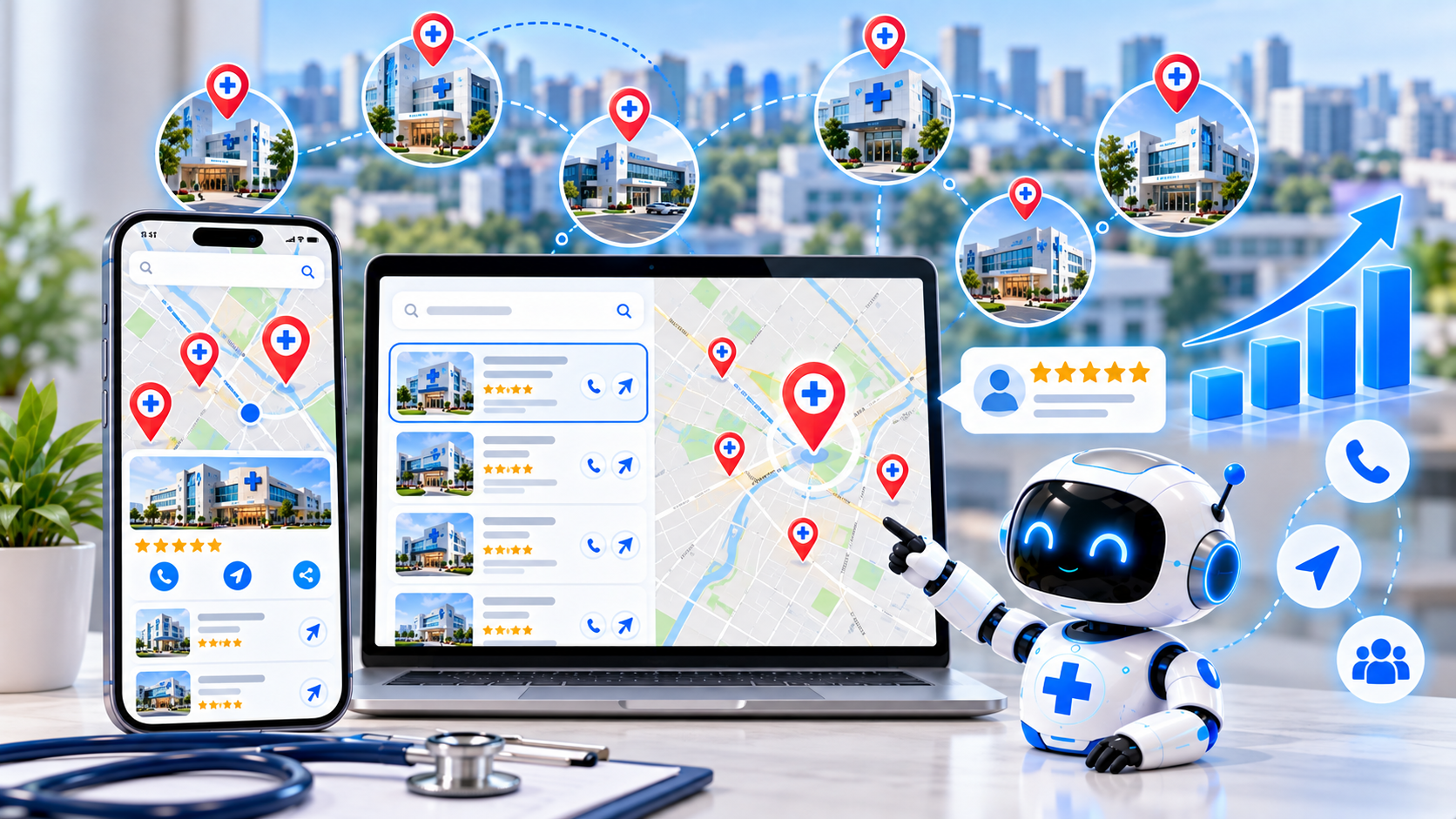
Healthcare startups have a trust problem that older practices solved over many years: patients have never heard of them. A new clinic, digital health service with physical sites or specialty practice has to earn attention quickly and on a tight budget. Google Maps is one of the fastest and most affordable ways to appear where nearby patients are already searching.
This guide explains how healthcare startups can use Google Maps marketing: fast, accurate profile setup, trust signals, early reviews, launch content and simple measurement. It is written for healthcare startups in the USA.
What Is Google Maps Marketing for Healthcare Startups?
It is the practice of setting up and improving a startup's Google Business Profile so nearby patients can find it, trust it and take action. For a new healthcare business, it often becomes the first public proof that the organization is real, open and reliable.
Why Maps Matter for Healthcare Startups
- No brand awareness yet: Patients cannot search for a name they have never heard.
- Maps are low cost: A strong profile costs time and care, not a large media budget.
- Trust must be built fast: Photos, reviews and clear details make a new name feel safe.
- Launch moments are short: Early visibility shapes the first months of patient flow.
- Investors and partners look too: A professional profile signals operational maturity.
Core Elements of Google Maps Marketing
1. Early, Careful Profile Setup
Create and verify your profile before opening or as soon as possible. Use the exact legal and public name, correct address and a working phone number, and avoid keyword stuffing in the business name.
2. Focused Categories and Services
Choose one primary category that matches your core service and list a small set of services you can deliver well. A focused profile is clearer than a long list of things you might do later.
3. Trust Signals
Add real photos of the space and team, clear provider credentials on linked pages and straightforward information about insurance, pricing approach and what to expect at a first visit.
4. Opening and Launch Information
Set accurate opening hours and use the opening date feature if available. Share short posts about your launch, new providers or introductory events.
5. Building Early Reviews
Ask early patients for honest feedback at natural moments and make it easy to leave one. Follow review platform rules and never pressure or reward patients for positive reviews.
6. Booking and Contact
Offer a simple booking link and a phone line that is answered during posted hours. For a startup, every missed call is a lost relationship.
7. A Location Page That Matches
Link your profile to a clear location page with directions, hours, services and provider details. Keep it consistent with your profile and other listings.
Where AI Can Help
- Setup checklists that make sure no profile field is missed.
- Draft posts and answers that your team reviews before publishing.
- Review summaries that show what early patients value.
- Light reporting that tracks calls and directions without a large analytics setup.
AI can help a small team move faster, but medical statements and anything involving patient privacy need human review.
How to Choose a Google Maps Marketing Partner
- Look for startup-friendly scope. You need a practical plan, not an enterprise program.
- Check healthcare experience. Compliance matters from day one.
- Ask about reporting. It should show calls, directions and bookings in plain language.
- Confirm ownership. Your profile and data must always belong to you.
- Start with a conversation. To discuss your launch, contact Nova Reach Digital.
Roadmap
- Before launch: Create and verify your profile, prepare photos and confirm all details.
- First 30 days: Share launch posts, answer calls quickly and invite your first reviews.
- Days 30 to 90: Refine services, add more photos and link provider and service pages.
- Ongoing: Review results monthly, reply to reviews and expand to new locations with the same checklist.
Privacy, Compliance and Ethics
- Never reveal patient information in review replies, even to thank someone for a visit.
- Do not offer incentives in exchange for reviews.
- Avoid unsupported claims such as "best clinic" or "guaranteed results."
- Check analytics and ad tools with a privacy or legal advisor before use.
This is general information, not legal advice.
Metrics to Track
- Calls, direction requests and website clicks from your profile.
- New patient bookings that start from maps traffic, where measurable.
- Number of reviews and average rating over time.
- Searches that find your profile directly versus by service.
- Photo views and post engagement.
Common Mistakes
- Waiting until after launch. Late setup means a quiet first month.
- Stuffing keywords into the name. It can break platform rules and hurt trust.
- Too few photos. A new name needs visual proof.
- Chasing reviews the wrong way. Pressure or incentives create risk.
Final Thoughts
Healthcare startups can use Google Maps to look credible from the first week. Accurate details, real photos and honest early reviews give a new name the trust it needs to grow. If you would like help planning Google Maps marketing for your startup, contact Nova Reach Digital and we can help you design, launch and optimize it.
Frequently Asked Questions
Keep reading
What Are the Top Missed-Call Text Back Setups for Clinics? Reading the Setup Table, the Five Steps and the Sample Missed-Call Follow-Up
A question-and-answer guide to the top missed-call text back setups for clinics: what it is, why missed calls cost patients, 5 setup steps, a setups table, a sample follow-up chart, texting and privacy rules and FAQs.
What Are the Top AI Chatbots for Healthcare Practices and How Do You Choose? Reading the Build Options, the Five Steps and the Sample Patient Inquiries
A question-and-answer guide to the top AI chatbots for healthcare practices: what they do, why they disappoint, 5 launch steps, a build-options table, a sample patient-inquiry chart, HIPAA and safety rules and FAQs.
What Are the Top AI Answering Services for Doctors and How Do You Choose? Reading the Service Types, the Five Steps and the Sample After-Hours Follow-Up
A question-and-answer guide to the top AI answering services for doctors: what they do, why after-hours calls get lost, 5 steps to choose, a service-types table, a sample follow-up chart, rules and FAQs.
Put These Ideas to Work with NovaReach
Automate your marketing, launch AI voice agents, and keep every lead moving, all from one dashboard.