Healthcare Email Marketing Automation: How Hospitals and Clinics Build Patient Recall and Follow-Up Campaigns That Work
Learn how hospitals and clinics use email marketing automation and patient recall systems to welcome new patients, reduce no-shows and bring overdue patients back to care while protecting privacy.
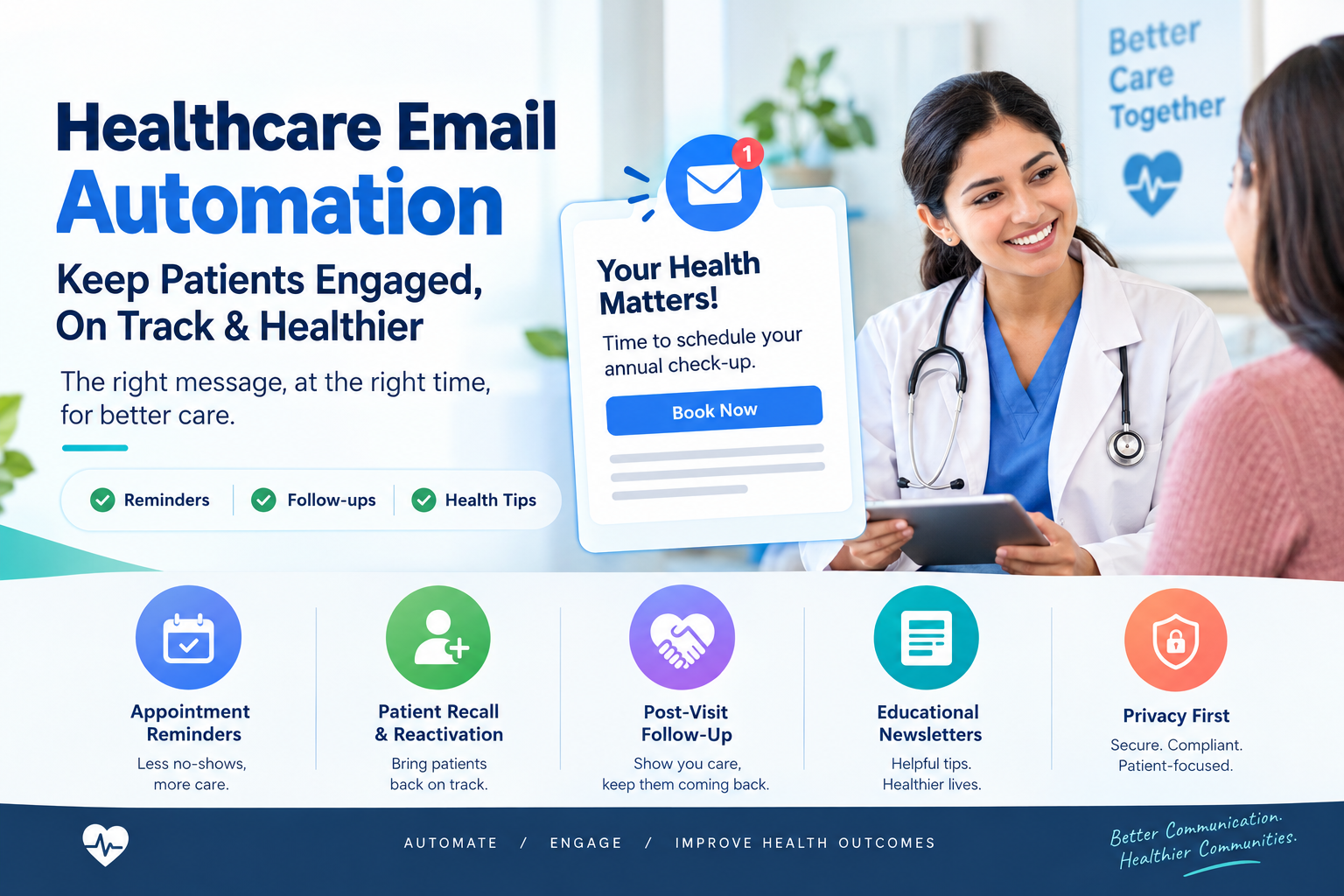
Healthcare is not a one-time transaction. Patients need annual check-ups, screenings, vaccinations, follow-up visits and ongoing care. Yet many fall behind, not because they do not care, but because life gets busy and no one reminded them. Email marketing automation gives hospitals, clinics and specialty practices a dependable way to stay in touch, help patients stay on track and share useful health information, all without adding to the workload of busy staff.
This guide explains how healthcare organizations in the USA can use automated email campaigns and patient recall systems effectively and responsibly, with privacy and consent at the center.
Why Email Still Works in Healthcare
- Patients check email regularly, and it is a flexible channel for longer, helpful information.
- It supports continuity of care by reminding patients about overdue visits, screenings and follow-up.
- It is cost-effective compared with printed mailers or phone outreach for every patient.
- It can be personalized by service line, location and communication preference.
- It is measurable, so you can see what patients open, click and act on.
Know the Difference: Care Communications and Marketing
In healthcare, not all emails are the same. Messages directly related to a patient's care, such as appointment reminders, test result notifications and follow-up instructions, are handled differently from promotional marketing messages. Rules differ depending on the type of message and the information it contains. Work with your compliance and legal teams to classify your emails, set consent practices and confirm which messages require specific authorizations or opt-outs. This article is general information and not legal advice.
Privacy Basics for Healthcare Email
- Minimize sensitive information. Do not include diagnoses, test results or detailed treatment information in standard email. Use secure portals for sensitive content and send a simple notification that a message is waiting.
- Use compliant platforms. If your email system will handle protected health information, confirm that appropriate agreements and safeguards are in place.
- Honor preferences. Record each patient's preferred channel and respect opt-outs quickly.
- Be careful with segmentation. Grouping patients by condition can reveal sensitive information if emails or subject lines are too specific.
- Verify addresses. Misdirected emails can create privacy incidents, so keep contact data accurate.
Five Email Automations Every Healthcare Organization Should Consider
1. New Patient Welcome Series
A short series can introduce your organization, explain how to prepare for the first visit, share location and parking details, highlight patient portal sign-up and tell patients how to reach you. A friendly welcome reduces confusion and no-shows.
2. Appointment Confirmations and Reminders
Send confirmation immediately after booking, and reminders in the days before the visit with easy options to confirm or reschedule. Keep content brief and avoid sensitive details.
3. Patient Recall and Reactivation
Identify patients who are due or overdue for routine care, such as annual wellness visits, dental cleanings, screenings or follow-up visits, and send a gentle reminder with a simple scheduling link. For higher-priority needs, follow up with a phone call. Space out messages and stop the sequence once the patient books or responds.
4. Post-Visit Follow-Up
A thank-you message, a short survey, general next-step instructions and a prompt to book follow-up care help patients feel supported. Share only information appropriate for email and direct patients to secure channels for clinical details.
5. Educational Newsletters
A monthly newsletter with seasonal health tips, community events, new providers and service updates keeps your organization visible and helpful. Ensure that clinicians review health content and that every email includes clear unsubscribe options.
Designing Emails Patients Actually Read
- Clear subject lines. Be specific but discreet, for example, "Time to schedule your annual visit" instead of mentioning conditions.
- Plain language. Write at a reading level most adults find easy, and avoid jargon.
- One main action. Make the call to action obvious, such as a button to schedule or a phone number to call.
- Mobile-friendly design. Most patients read email on phones. Use short paragraphs and large buttons.
- Accessibility. Use readable fonts, strong contrast, alt text for images and clear link text.
- Warm, human tone. Healthcare communication should feel caring, not pushy.
- Language access. Offer versions in the main languages your patients speak, reviewed by qualified translators.
Where AI Helps in Healthcare Email
- Drafting: Generate first versions of subject lines, emails and newsletters for review.
- Personalization: Adjust send times, locations and content within privacy rules.
- Testing: Compare subject lines and formats to learn what patients respond to.
- Summarizing results: Highlight open rates, clicks, bookings and unsubscribe trends.
- List hygiene: Flag bounced or inactive addresses for cleanup.
Humans should approve all health-related content and review every automation before launch.
Building a Patient Recall System Step by Step
- Define your recall goals. Choose priority services such as annual visits, immunizations, screenings or chronic care check-ins.
- Clean your data. Make sure emails, phone numbers, preferences and last-visit dates are accurate in your system.
- Set rules that identify who is due or overdue, with input from clinical leaders.
- Write approved messages for each recall type and compliance-review them.
- Create the sequence. For example: first reminder, a follow-up two weeks later and a final reminder after a month, with a phone outreach for high-priority patients.
- Make scheduling simple with a direct booking link or phone number.
- Stop automatically when a patient books, declines or opts out.
- Measure and improve based on booking rates and patient feedback.
Metrics to Track
- Delivery, open and click rates, interpreted carefully because privacy features can affect open tracking.
- Appointments booked from emails.
- Recall completion rate for preventive and follow-up visits.
- No-show rate after reminder campaigns.
- Unsubscribe and complaint rates.
- Patient feedback on communication.
Common Mistakes
- Putting sensitive details in subject lines or message bodies.
- Sending too many emails. Over-communicating leads to unsubscribes.
- Ignoring opt-outs. Honor them promptly and completely.
- Using the same message for everyone. Relevance matters, within privacy limits.
- Neglecting patients without email. Offer phone, text or mail options for equity of access.
- Launching without testing. Send test emails to check links, formatting and accessibility.
Final Thoughts
Email marketing automation helps healthcare organizations welcome new patients, reduce no-shows, bring overdue patients back to care and share helpful health information. The most effective programs are respectful, relevant and privacy-conscious, with clinical and compliance oversight at every step. If you would like help building an email automation and patient recall system for your hospital or clinic, Nova Reach Digital can help you plan, launch and improve it.
Frequently Asked Questions
Keep reading
What Are the Top Missed-Call Text Back Setups for Clinics? Reading the Setup Table, the Five Steps and the Sample Missed-Call Follow-Up
A question-and-answer guide to the top missed-call text back setups for clinics: what it is, why missed calls cost patients, 5 setup steps, a setups table, a sample follow-up chart, texting and privacy rules and FAQs.
What Are the Top AI Chatbots for Healthcare Practices and How Do You Choose? Reading the Build Options, the Five Steps and the Sample Patient Inquiries
A question-and-answer guide to the top AI chatbots for healthcare practices: what they do, why they disappoint, 5 launch steps, a build-options table, a sample patient-inquiry chart, HIPAA and safety rules and FAQs.
What Are the Top AI Answering Services for Doctors and How Do You Choose? Reading the Service Types, the Five Steps and the Sample After-Hours Follow-Up
A question-and-answer guide to the top AI answering services for doctors: what they do, why after-hours calls get lost, 5 steps to choose, a service-types table, a sample follow-up chart, rules and FAQs.
Put These Ideas to Work with NovaReach
Automate your marketing, launch AI voice agents, and keep every lead moving, all from one dashboard.