Hospital Website Architecture for SEO for Multi-Location Hospitals
How multi-location hospitals can design website architecture for SEO: location and service paths, URL patterns, subfolders vs subdomains, store locator setup and a plan for openings, moves and closures.
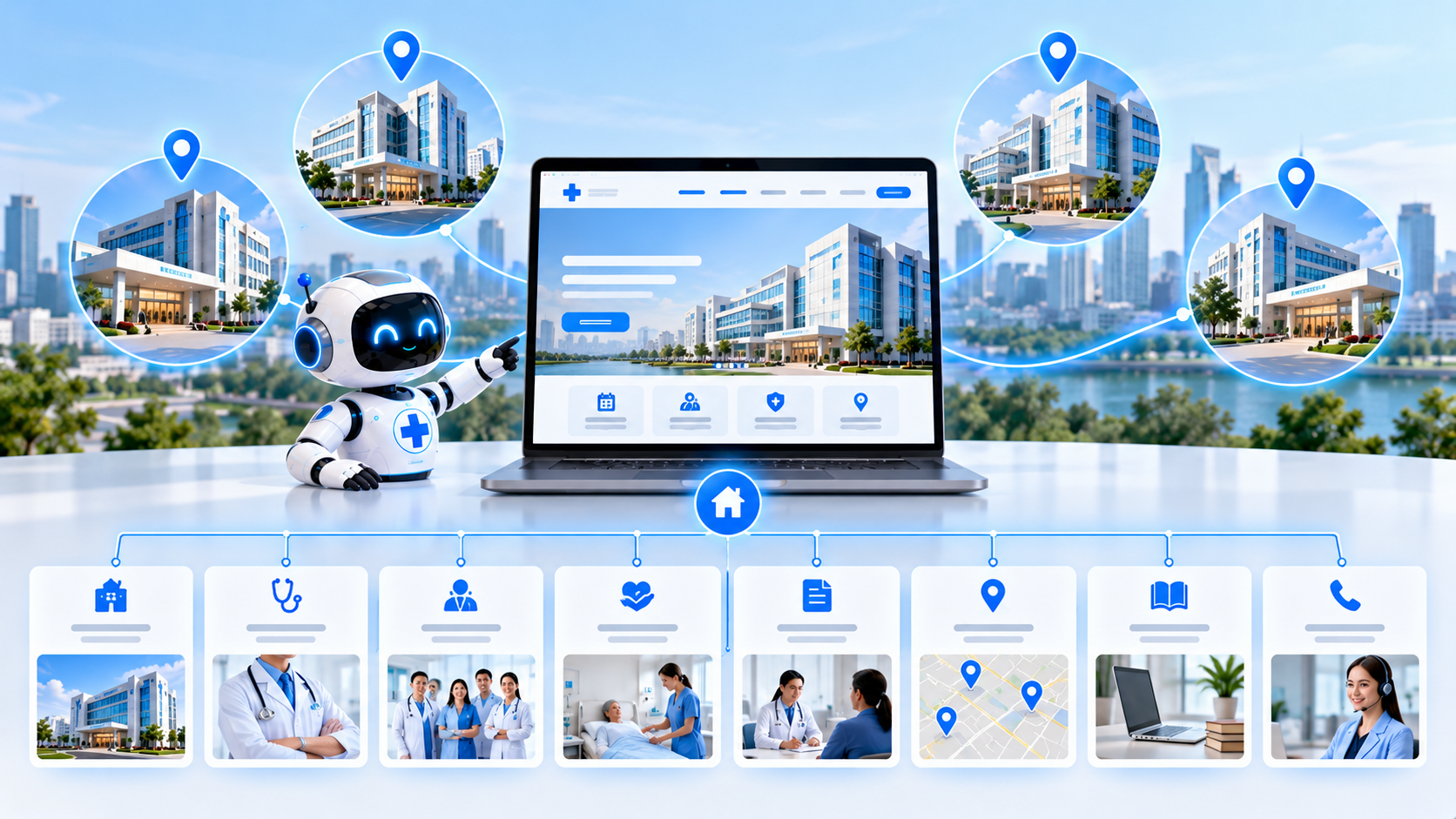
When a hospital system grows from one campus to ten clinics, the website usually grows the same way: one page at a time, with different people making different decisions. Years later, the site has inconsistent URLs, duplicate location pages, a store locator that does not match Google listings and no clear rule for where a new clinic should go. Website architecture, the planned structure behind the pages, is what prevents this. For multi-location hospitals, it is the difference between a site that scales smoothly and one that fights itself.
This guide explains how multi-location hospitals in the USA can design a website architecture that supports SEO, patient navigation and operational growth.
The Core Architecture Question: How Do Locations Fit?
The first decision is how locations relate to everything else. Patients think in terms of "care near me," while your organization thinks in terms of campuses, departments and service lines. A strong architecture serves both views through two parallel paths:
- The service path: Services lead to the locations offering them.
- The location path: Locations lead to the services available there.
Both paths should be fast, accurate and consistent.
Recommended Structure
- Home page: System overview with entry points for find a location, find a doctor and services.
- Locations hub: A directory page listing all campuses and clinics, with search, map and filtering by service and region.
- Individual location pages: One for each facility, with unique details.
- Services hub: A directory of service lines.
- Service line pages: One for each service, listing the locations that provide it.
- Location-plus-service pages (selectively): For high-demand combinations where a unique page adds value.
- Physician directory and profiles: Linked to both locations and services.
URL Patterns for Locations
Consistency is the main goal. A clear, predictable pattern makes the site easier to manage and helps search engines understand hierarchy. Examples of sensible patterns:
- /locations/ for the directory
- /locations/riverside-medical-center/ for a facility
- /services/cardiology/ for a service line
- /locations/riverside-medical-center/cardiology/ for a location-plus-service page
Use lowercase letters, hyphens and readable names. Avoid IDs, long parameter strings or patient-related information in URLs. Decide the pattern once, document it and apply it to every new clinic.
Subfolders vs Subdomains vs Separate Domains for Locations
- Subfolders on one domain: Usually the simplest for SEO, as authority and links consolidate on a single site, and the structure is easier to manage.
- Subdomains: Sometimes used for distinct systems, such as a patient portal, but they can be treated as separate sites and make consolidation harder.
- Separate domains per location: Generally difficult to maintain and rarely recommended for locations of the same hospital system, as they split authority and multiply maintenance work.
Work with your SEO and development teams to choose the approach that fits your brand and technology.
Designing Strong Location Pages
Each location page should be a complete, useful destination:
- Official name, full address, phone number, hours and holiday hours
- Map, directions, parking and public transit information
- Services and departments available at the site
- Physicians who see patients there
- Accessibility information and languages offered
- Booking or contact options
- Photos of the real facility and entrance
- Structured data for local business and medical organization details
Avoid copying the same text across locations with only the address changed. Unique, accurate details are what make each page valuable.
Building the Store Locator Properly
- Make every result link to its individual location page.
- Make sure the locator's data matches your Google Business Profiles and directory listings exactly.
- Allow filtering by service, hours and distance.
- Ensure the locator is accessible and works well on phones.
- Provide crawlable links to location pages, so search engines can discover them without needing to use the search tool.
Aligning With Google Business Profiles
Each facility should have a Google Business Profile that links to its own location page, not just the home page. Keep names, addresses, phone numbers and hours consistent across the site and profiles. When a location opens, moves or closes, update the site, the profile and major directories at the same time.
Managing Location Changes
Multi-location systems change often. Plan for it:
- New location: Create the page from a template, add it to the locations hub, link it from relevant services and physician profiles, and add it to the sitemap.
- Move: Update the address everywhere and keep the page if the location remains the same entity, with a clear notice for patients.
- Closure: Redirect the page to the nearest relevant location or the locations hub and update all links.
- Renaming: Update names consistently and redirect old URLs.
Technical Foundations
- An XML sitemap that lists all active location, service and physician pages.
- Canonical tags that point duplicate or parameter-based URLs to the main version.
- Fast, mobile-friendly templates.
- HTTPS and accessibility across all pages.
- Clear breadcrumbs, such as Home, Locations, Riverside Medical Center.
Governance
- Assign an owner for the locations hub and a central source of truth for facility data.
- Use templates so every location page has the same required fields.
- Schedule regular data reviews for hours, services and physician rosters.
- Involve compliance in review of tracking tools on appointment and portal pages.
This is general information, not legal advice.
Metrics to Track
- Organic traffic and impressions by location page
- Calls, direction requests and appointment requests per location
- Store locator usage and click-through to location pages
- Indexation and crawl errors for location sections
- Consistency audit results across listings
Common Mistakes
- Different URL patterns for different locations.
- A locator that cannot be crawled.
- Cloned location pages.
- Separate domains for each clinic.
- No plan for closures and moves.
Final Thoughts
For a multi-location hospital, website architecture is the foundation that lets growth happen without chaos. Choose clear URL patterns, build both service and location paths, keep data consistent and plan for change. If you would like help planning your multi-location hospital website architecture, Nova Reach Digital can help you design and implement it.
Read More Blogs
Frequently Asked Questions
Keep reading
What Are the Top Email Marketing Automation Tools for Small Businesses? Reading the Tool Comparison, the Five Steps and the Sample Email Bookings
A question-and-answer guide to choosing among the top email marketing automation tools for small businesses: what they do, why programs underperform, 5 steps, a weak vs stronger table, a sample bookings chart, rules and FAQs.
What Are the Top Social Media Automation Tools for Small Businesses? Reading the Tool Comparison, the Five Steps and the Sample Posting Time
A question-and-answer guide to choosing among the top social media automation tools for small businesses: what to automate, why accounts feel robotic, 5 steps, a weak vs stronger table, a sample time-savings chart, rules and FAQs.
How Do You Choose Among the Top Digital Marketing Agencies in NYC? Reading the Agency Types, the Five Steps and the Sample Cost Per Customer
A question-and-answer guide to choosing among the top digital marketing agencies in NYC: what agencies do, why businesses switch, 5 steps to choose, an agency-types table, a sample cost-per-customer chart, rules and FAQs.
Put These Ideas to Work with NovaReach
Automate your marketing, launch AI voice agents, and keep every lead moving, all from one dashboard.