Local SEO for Hospitals, Clinics and Healthcare Practices: How to Improve Local Search Visibility and Google Maps Rankings
A practical guide to local SEO for hospitals, clinics and healthcare practices: optimize Google Business Profiles, location pages, physician profiles and reviews while keeping information accurate and compliant.
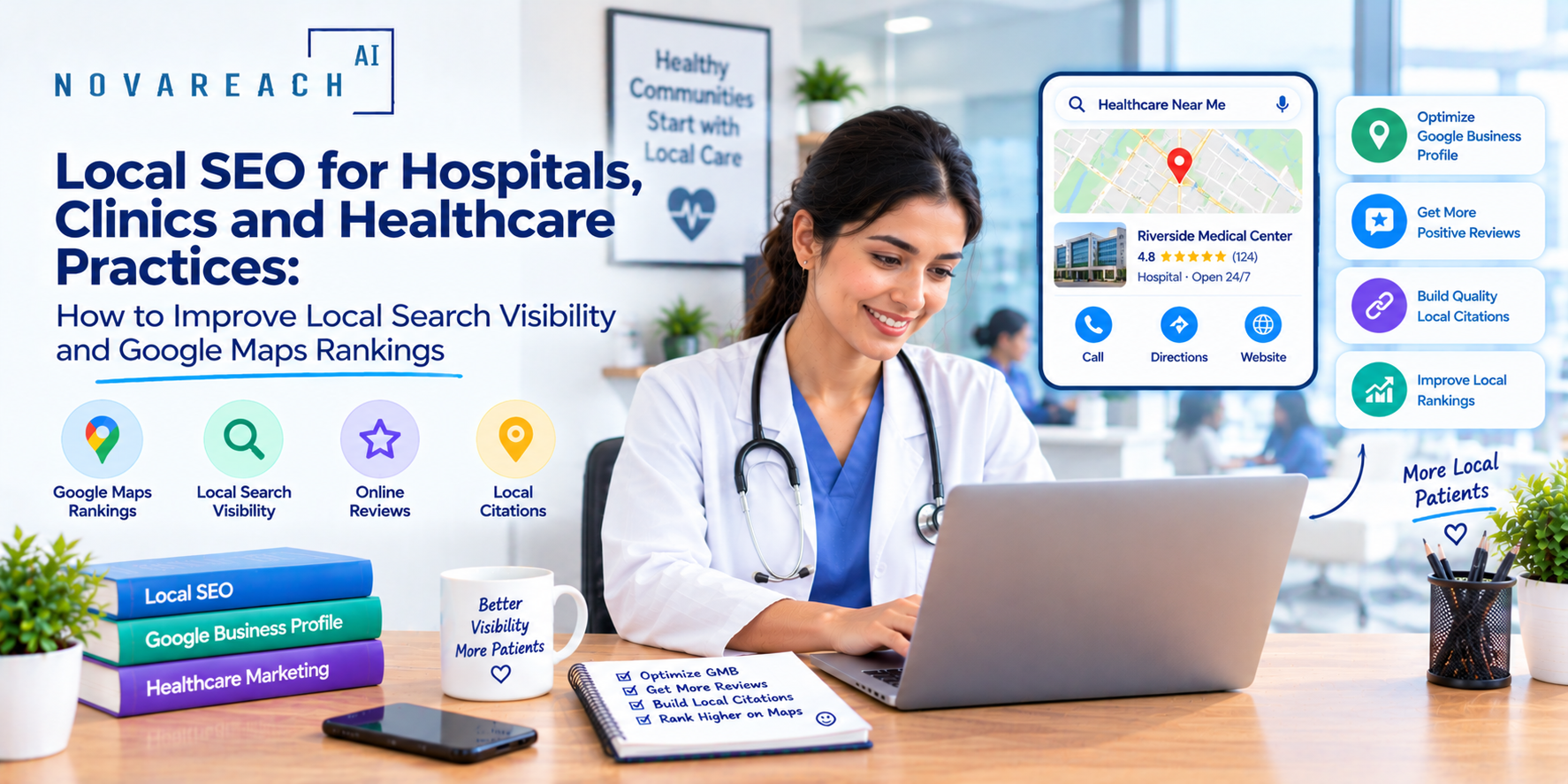
When a patient types "urgent care near me," "pediatrician in Houston" or "orthopedic surgeon accepting new patients," they usually see a map and a short list of providers before anything else. Those few listings capture the majority of calls, direction requests and website visits. For hospitals, clinics and private practices, local SEO is one of the most important ways to be found at the moment a patient is looking for care.
This guide explains how local SEO for healthcare works, how to optimize Google Business Profiles for hospitals and clinics, how to handle multiple locations and physicians and what to avoid in a field where accuracy matters enormously.
Why Local SEO Matters More in Healthcare
Health searches are personal, often urgent and strongly tied to location. Patients want a provider that is nearby, open, accepting new patients, in their insurance network and trusted by others. Search engines treat health-related content as especially sensitive, so accuracy, credibility and clear information carry extra weight. A hospital with outdated hours, wrong phone numbers or thin service pages can lose patients and trust at once.
Step 1: Optimize Each Google Business Profile
Every hospital campus, clinic and urgent care location should have its own accurate Google Business Profile. Focus on the following:
- Correct category: Choose the most accurate primary category, such as hospital, medical clinic, urgent care center or the relevant specialty, and add secondary categories where appropriate.
- Accurate name, address and phone: Use the real, consistent details everywhere. Use a trackable but consistent phone setup and avoid changing numbers frequently.
- Hours: Keep regular, holiday and special hours current. Emergency departments and after-hours clinics should be clearly identified.
- Services: List the services each location truly provides, with plain-language descriptions.
- Appointment and website links: Link directly to the relevant location or service page and scheduling tool.
- Photos: Add real images of entrances, parking, waiting areas and facilities to help patients feel prepared. Do not include identifiable patients without proper consent and authorization.
- Attributes: Add accessibility features, languages spoken, telehealth availability and other helpful attributes.
- Posts and updates: Share health events, screening reminders, new services and seasonal information.
Step 2: Build Strong Location and Service Pages
Each location needs its own page, with unique and helpful content, not a copy of other pages with a different address. Include directions, parking, public transit, hours, services offered, providers, insurance information, accessibility details and a clear way to book or call. Service line pages should explain conditions treated, what patients can expect and how to get started, written in plain language and reviewed by clinicians.
Step 3: Create Physician Profiles
Patients often search for a doctor by name or specialty. Strong physician pages include credentials, specialties, areas of clinical interest, locations, languages, a professional photo and a way to request an appointment. Keep information consistent with licensing and directory records and update it promptly when providers join, move or leave.
Step 4: Keep Listings Consistent Across the Web
Provider details appear on many directories, insurance sites and health platforms. Inconsistent names, addresses or phone numbers confuse patients and search systems. Audit your listings regularly, correct errors, remove duplicates and ensure that former providers or closed locations are updated. For multi-location systems, a central process for managing listings saves time and prevents mistakes.
Step 5: Manage Reviews Carefully
Reviews influence patient choice and local visibility. Encourage satisfied patients to share their experiences, and respond to every review in a professional, empathetic way. Healthcare has a special rule: never confirm that someone is a patient or reveal any health information in a public response, even if the reviewer has shared details themselves. Keep replies general, invite the person to contact you directly and involve your compliance team in setting guidelines.
Step 6: Create Helpful Health Content
Educational content supports both patients and search visibility. Focus on questions patients actually ask: what to expect during a procedure, how to prepare for a visit, when to seek care, how to choose between urgent care and the emergency room and how to understand common services. Content should be accurate, up to date, written in plain language and reviewed by qualified clinicians. Include clear authorship, review dates and sources where appropriate to build credibility.
Step 7: Make the Mobile Experience Easy
Most local health searches happen on phones. Pages should load quickly, show phone numbers and booking links prominently and make directions one tap away. Make sure your website is accessible to people with disabilities, including screen reader users, and consider offering key information in the main languages spoken in your community.
Step 8: Add Structured Data
Structured data helps search engines understand your organization, locations, hours and providers. Work with your web team to add appropriate markup for local business and medical organization details, and keep it consistent with the visible content on the page.
Where AI Can Help Safely
- Auditing listings for inconsistencies across locations.
- Drafting first versions of location page descriptions and FAQs for review.
- Suggesting topics based on patient search questions.
- Monitoring reviews and drafting replies for compliance-approved editing.
- Summarizing performance reports by location and service line.
AI should never be the final authority on clinical content. Qualified staff must review everything before publication.
Measuring Local SEO Performance
- Calls, direction requests and website clicks from each Google Business Profile.
- Appointment requests by location and service.
- Rankings for key searches in different neighborhoods.
- Review volume, rating and response time.
- Traffic and conversion on location and service pages.
Mistakes to Avoid
- Outdated or wrong information. Inaccurate hours or phone numbers directly harm patients.
- Keyword stuffing names. Using false or stuffed names on listings violates guidelines.
- Revealing patient details in review replies. This can create privacy violations.
- Thin or duplicate location pages. Each location deserves unique, useful content.
- Making unsupported medical claims. Avoid guarantees and overpromising.
Final Thoughts
Local SEO for healthcare helps patients find the right care at the right time. Keep every listing accurate, give each location and physician a strong page, manage reviews with care and publish clinician-reviewed health content. If you want help improving local search visibility for your hospital, clinic or health system, Nova Reach Digital can build and manage a local SEO plan that fits your organization.
Frequently Asked Questions
Keep reading
What Are the Top Missed-Call Text Back Setups for Clinics? Reading the Setup Table, the Five Steps and the Sample Missed-Call Follow-Up
A question-and-answer guide to the top missed-call text back setups for clinics: what it is, why missed calls cost patients, 5 setup steps, a setups table, a sample follow-up chart, texting and privacy rules and FAQs.
What Are the Top AI Chatbots for Healthcare Practices and How Do You Choose? Reading the Build Options, the Five Steps and the Sample Patient Inquiries
A question-and-answer guide to the top AI chatbots for healthcare practices: what they do, why they disappoint, 5 launch steps, a build-options table, a sample patient-inquiry chart, HIPAA and safety rules and FAQs.
What Are the Top AI Answering Services for Doctors and How Do You Choose? Reading the Service Types, the Five Steps and the Sample After-Hours Follow-Up
A question-and-answer guide to the top AI answering services for doctors: what they do, why after-hours calls get lost, 5 steps to choose, a service-types table, a sample follow-up chart, rules and FAQs.
Put These Ideas to Work with NovaReach
Automate your marketing, launch AI voice agents, and keep every lead moving, all from one dashboard.