Social Media Automation for New York Businesses: How to Auto-Post Consistently Without Losing the Human Touch
A practical guide to automated social media posting for New York businesses: what to automate, what to keep human, how to set up a scheduling workflow, and the mistakes that make automated feeds feel robotic.
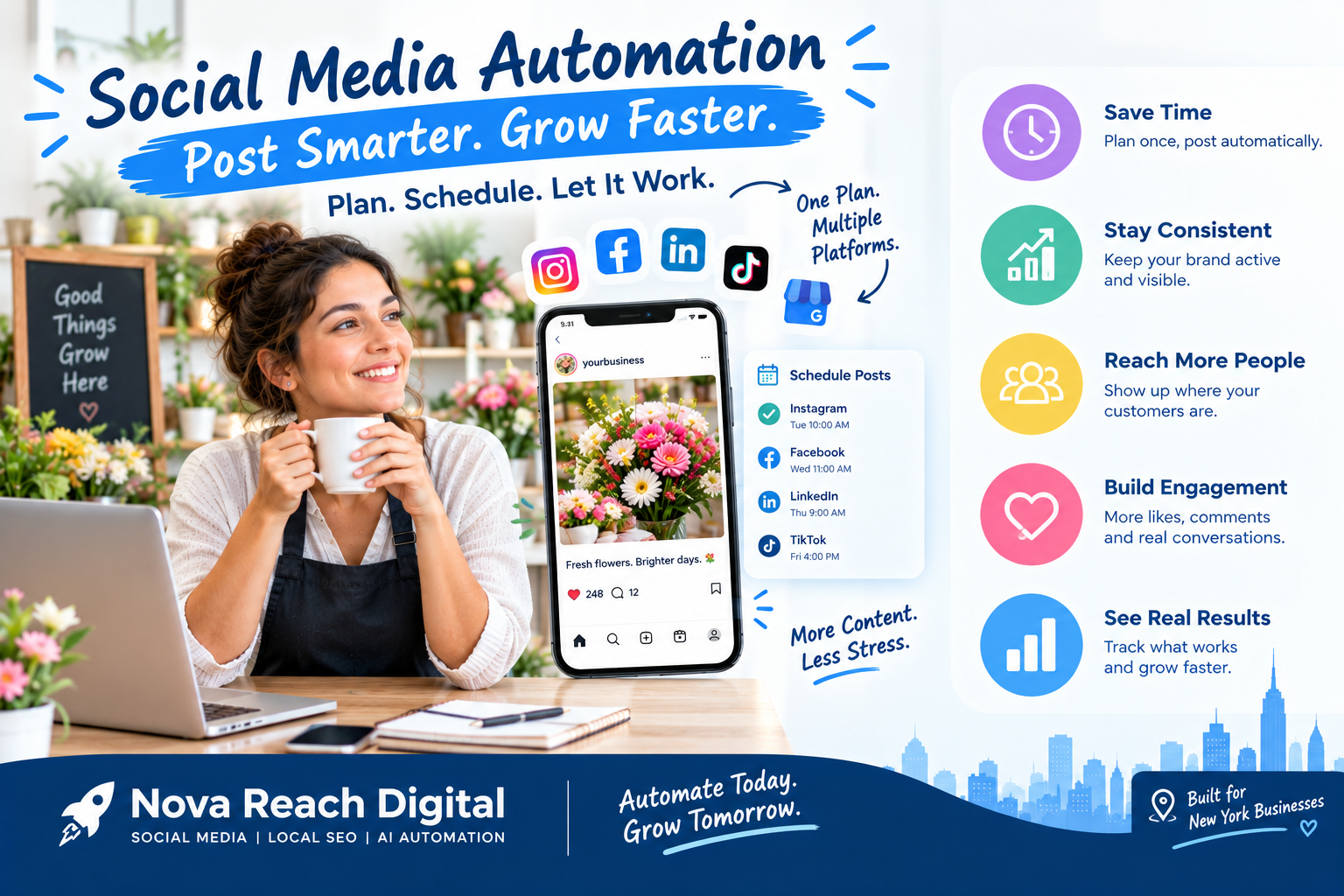
If you run a business in New York, you already know the problem. You are expected to show up on Instagram, Facebook, LinkedIn, TikTok and Google Business Profile, often several times a week, while also serving customers, managing staff and keeping the lights on. Most owners start strong, post every day for two weeks, and then the feed goes quiet for a month. That silence costs more than it looks like: followers forget you, the algorithm stops showing your posts, and a competitor down the street fills the gap.
Social media automation solves the consistency problem. Instead of logging in every day to post by hand, you plan content in batches, schedule it in advance, and let software publish it at the right time across every platform. Done well, it frees hours every week and makes your brand look active and reliable. Done badly, it makes your business sound like a bot. This guide explains how to get the first result and avoid the second.
What Is Social Media Automation Posting?
Social media automation posting means using tools to publish, repurpose and track your content on a schedule, without manually posting each update. A typical setup includes a content calendar, a scheduling platform that connects to your social accounts, and rules that decide when and where each post goes live.
Modern automation goes beyond simple scheduling. With AI-assisted tools, businesses can now:
- Draft captions and variations of the same message tailored to each platform.
- Repurpose long content such as a blog post or video into short posts, carousels and clips.
- Suggest posting times based on when your audience is most active.
- Recycle evergreen posts so your best content keeps working months after it first went out.
- Report on performance automatically, so you see what is working without building spreadsheets by hand.
Why New York Businesses Benefit From Automated Posting
1. Consistency without daily effort
Algorithms reward accounts that post regularly. Automation lets you spend one focused session planning a week or a month of content, then step away while it publishes on time, even on your busiest days.
2. Reaching customers when they are actually scrolling
New Yorkers check their phones on the subway commute, at lunch and late in the evening. Scheduling lets you publish at those moments without being glued to your own phone at 8 a.m. or 10 p.m.
3. A consistent brand voice across platforms
When posts are planned together, your messaging, visuals and offers stay aligned. A promotion announced on Instagram also appears on Facebook and Google Business Profile, instead of living on just one channel.
4. More time for real engagement
The hours you save on publishing can go into what automation cannot do well: replying to comments, answering DMs, and building relationships with local customers and partners.
5. Better decisions from better data
Automated reporting shows which post types, topics and times drive clicks, calls and bookings, so each month's content plan is smarter than the last.
What to Automate and What to Keep Human
The biggest mistake businesses make is trying to automate everything. A good rule: automate the publishing, keep the conversation human.
Good candidates for automation:
- Scheduled educational posts, tips and how-tos
- Promotions, seasonal offers and event reminders planned in advance
- Blog and newsletter shares
- Evergreen content such as FAQs, testimonials and service highlights
- Cross-posting the same update to multiple platforms with platform-specific formatting
- Weekly and monthly performance reports
Keep these human:
- Replies to comments, reviews and direct messages, especially complaints
- Real-time posts about breaking news, local events or trending moments
- Behind-the-scenes stories and team content that show your personality
- Any sensitive topic where tone matters
How to Set Up a Social Media Automation Workflow: Step by Step
Step 1: Define your goals and platforms
Decide what social media should do for your business: bookings, foot traffic, leads, brand awareness or community. Then pick the two or three platforms where your customers actually spend time. A restaurant in Brooklyn and a B2B consulting firm in Midtown will not need the same channels.
Step 2: Build content pillars
Choose four or five recurring themes, for example education, social proof, offers, behind the scenes and community. Pillars make it easy to fill a calendar and keep your feed balanced instead of all sales posts.
Step 3: Create a content calendar
Map out at least two to four weeks ahead. Include holidays, local events, product launches and seasonal moments that matter to New York audiences. Leave a few open slots for timely, unscheduled posts.
Step 4: Batch create your content
Set aside one block of time to write captions, design graphics and edit videos. AI tools can speed up first drafts and resize content for each platform, but always review and edit so the voice sounds like your business.
Step 5: Choose and connect a scheduling tool
Pick a platform that supports all your channels, offers a visual calendar, allows approval steps if a team is involved, and provides clear analytics. Connect your accounts, set your time zone to Eastern Time, and create posting slots for each platform.
Step 6: Schedule, then monitor daily
Load your content into the queue. Automation handles publishing, but someone should still check in every day to respond to comments and messages and to pause scheduled posts if something unexpected happens in the news.
Step 7: Review results and refine
Once a month, look at reach, engagement, link clicks and conversions. Double down on what works, retire what does not, and update your calendar accordingly.
Common Social Media Automation Mistakes to Avoid
- Set it and forget it. A scheduled post about a sale that already ended, or a cheerful promo during a tough news day, damages trust. Review your queue regularly.
- Identical posts everywhere. LinkedIn, TikTok and Instagram audiences expect different formats and tones. Adapt each post instead of copying and pasting.
- Automated replies that feel robotic. Customers notice generic auto-responses. Use automation to flag messages, not to replace real answers.
- Publishing AI content without editing. Unedited AI captions often sound generic. Add local references, your real offers and your own voice.
- Ignoring analytics. Automation saves time, but without reviewing results you may simply be publishing the wrong content more efficiently.
How Social Media Automation Fits Into Your Wider Marketing
Social posting works best when it is connected to the rest of your marketing. When a post drives someone to your website, automated lead capture, email follow-ups and appointment reminders can take over and turn that interest into a customer. Linking your social calendar to your blog, email campaigns and CRM creates one consistent system rather than a set of disconnected tasks.
Getting Started
You do not need to automate everything on day one. Start with one platform, one month of scheduled content and a simple weekly check-in. Once that rhythm is working, expand to more channels, add repurposing and reporting, and connect social media to your lead follow-up process.
At Nova Reach Digital, we help New York businesses build social media automation systems that post consistently, stay on-brand and leave room for real human connection. If you want a feed that keeps working while you run your business, get in touch with our team to plan your automated content workflow.
Frequently Asked Questions
Keep reading
AI Receptionist for New York Small Businesses: How AI Call Answering and Missed-Call Automation Capture Every Lead
Quick answer on AI receptionists: how AI call answering, missed-call automation and AI appointment booking help New York small businesses capture every lead, plus setup steps and compliance tips.
Google Business Profile Optimization for New York Businesses: 9 Steps to Rank on Google Maps and in AI Answers
Quick answer and 9-step checklist for Google Business Profile optimization in New York: categories, reviews, photos, posts, plus how to get cited in Google AI, ChatGPT and other answer engines.
Automated Social Media Posting: A Practical Playbook for New York Small Businesses
Posting every day by hand is not sustainable for most New York business owners. Here is how to plan, schedule and auto-publish social content that still sounds like you.
Put These Ideas to Work with NovaReach
Automate your marketing, launch AI voice agents, and keep every lead moving, all from one dashboard.