What Are the Top Email Marketing Automation Tools for Small Businesses? Reading the Tool Comparison, the Five Steps and the Sample Email Bookings
A question-and-answer guide to choosing among the top email marketing automation tools for small businesses: what they do, why programs underperform, 5 steps, a weak vs stronger table, a sample bookings chart, rules and FAQs.
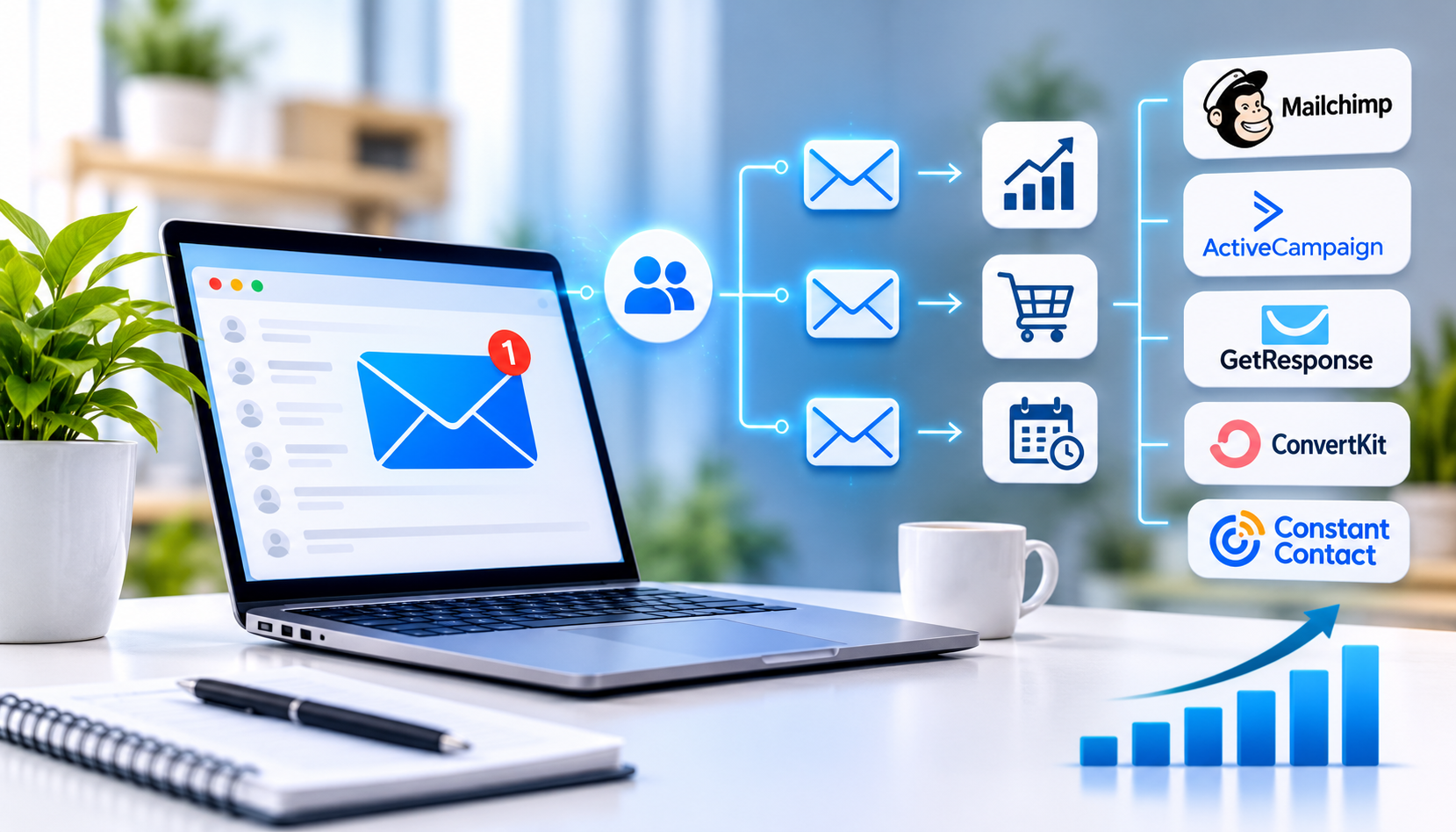
Email marketing automation is the use of software to send the right email to the right person at the right moment, based on what they do, such as signing up, requesting a quote, abandoning a cart or going quiet, without anyone sending each message by hand. Small businesses searching for the "top" email tools will find many lists, but a ranking cannot tell you which tool fits your list, your skills and your budget. This guide explains, in a question-and-answer format, how to compare email marketing automation tools for a small business, what to check, and how to start in five steps, with a sample bookings result and a checklist of rules. It makes no promise of specific results and does not rank any named product.
Key Findings
- 5 steps help you start well: clean your list, pick one tool, write a short welcome series, add clear opt-outs, and review results monthly.
- In the illustrative model below, email-driven bookings rise from 10 to 30 per month over about six months.
- 5 automated emails cover most small businesses: welcome, lead follow-up, quote or cart reminder, thank you with a review request, and a win-back message.
- Permission and honesty matter as much as timing, because email sent without consent harms your reputation and may break the law.
- All figures in this article are illustrative examples, not guaranteed results.
What Does Email Marketing Automation Do?
It sends timed, relevant messages automatically after a customer action. You write each email once, set the trigger and the delay, and the tool does the rest. Common platforms such as Mailchimp, Klaviyo, ActiveCampaign, HubSpot and Brevo differ in price, depth and ease of use, and plans change often, so check each vendor's current details. For how email connects with ads and your CRM, read our guide to how digital marketing automation connects ads, email and follow-up into one system.
Why Do Many Email Programs Underperform?
Most underperform because they send the same message to everyone. Common causes include:
- The list is old, so many addresses bounce or never open.
- Emails are long, generic and full of images, with no single clear action.
- There is no welcome series, so new subscribers hear nothing for weeks.
- Emails go out on a whim instead of on a trigger.
- Replies are ignored. Our article on how fast to follow up with a new lead covers why speed matters.
How Can You Start With Email Automation? 5 Steps
1. Clean Your List
Start with people who agreed to hear from you. Remove invalid and long-inactive addresses, and never buy a list. A smaller, willing list performs better than a large cold one.
2. Pick One Tool
Choose for your skills and size. Connect your website forms and, if you have one, your CRM. Check ease of use, integrations and how easy it is to export your list.
3. Write a Short Welcome Series
Make the first emails count. Send three short emails over about a week: a thank-you, a helpful tip or story and a clear next step. A marketing automation service can build and connect these flows.
4. Add Clear Opt-Outs
Make it easy to leave. Include an unsubscribe link and your physical address in every marketing email, and process opt-outs promptly.
5. Review Results Monthly
Learn what works. Look at opens, clicks, replies and bookings, then improve one email at a time. Replies and bookings tell you more than opens alone.
| Area | Common weakness | Stronger approach |
|---|---|---|
| List | Old or purchased contacts | Permission-based, cleaned regularly |
| Timing | Sent whenever someone remembers | Triggered by customer actions |
| Content | Long, generic, many links | Short, personal, one clear action |
| Follow-up | No welcome or reminder emails | Welcome, lead and win-back flows |
| Measurement | Opens only | Replies, bookings and revenue |
How Much Can Bookings Grow? A Sample Graph
In this illustrative example for a New York service business, email-driven bookings per month rise from 10 to 30 over about six months. The bars run from top to bottom in the same order as the table below, and each block (█) equals 2 bookings.
| Stage | Bookings per month | Bar chart |
|---|---|---|
| Occasional newsletters only | 10 | █████ |
| Plus welcome series | 16 | ████████ |
| Plus lead follow-up and reminders | 24 | ████████████ |
| Plus win-back and monthly review | 30 | ███████████████ |
What Should You Measure?
Four measures show whether email is working.
- Bookings or sales linked to email.
- Reply rate and click rate by email type.
- Unsubscribe and complaint rates.
- List growth and the share of inactive contacts.
What Rules Should You Follow?
Your business is responsible for every email sent in its name.
- Follow CAN-SPAM: honest subject lines and sender details, a physical address and a working unsubscribe link, honored promptly.
- Email only people who have agreed to hear from you, and keep a record of how they signed up.
- Do not buy or rent email lists.
- Make sure offers and claims are truthful, and follow the Federal Trade Commission's rules on endorsements and disclosures.
- Protect subscriber data and confirm you can export your list if you change tools.
Methodology and Limitations
The numbers in this article come from an illustrative model created by Nova Reach Digital to show how each step may affect email-driven bookings. They are not drawn from a published study or a specific client, and no one can guarantee results. Outcomes depend on your list, offer, audience and message quality. Vendor features and pricing change, so check current details. This article does not rank or endorse any named product. It is general information and not legal, financial or professional advice.
Related Reading
- What to expect from AI lead generation services
- AI marketing analytics and campaign automation
- How to choose a digital marketing agency that fits your business
Conclusion
The right email marketing automation tool for your small business is the one you will actually use, built on a clean, permission-based list and a few well-timed emails. Clean your list, pick one tool, write a short welcome series, add clear opt-outs and review the results each month. If you want help with email automation, contact Nova Reach Digital or read more about our marketing services.
Get Directions
Frequently Asked Questions
Keep reading
What Are the Top Social Media Automation Tools for Small Businesses? Reading the Tool Comparison, the Five Steps and the Sample Posting Time
A question-and-answer guide to choosing among the top social media automation tools for small businesses: what to automate, why accounts feel robotic, 5 steps, a weak vs stronger table, a sample time-savings chart, rules and FAQs.
How Do You Choose Among the Top Digital Marketing Agencies in NYC? Reading the Agency Types, the Five Steps and the Sample Cost Per Customer
A question-and-answer guide to choosing among the top digital marketing agencies in NYC: what agencies do, why businesses switch, 5 steps to choose, an agency-types table, a sample cost-per-customer chart, rules and FAQs.
What Are the Top AI Lead Generation Tools for B2B Companies? Reading the Tool Types, the Five Steps and the Sample Booked Meetings
A question-and-answer guide to choosing among the top AI lead generation tools for B2B companies: what they do, why outreach disappoints, 5 steps, a tool-types table, a sample booked-meetings chart, rules and FAQs.
Put These Ideas to Work with NovaReach
Automate your marketing, launch AI voice agents, and keep every lead moving, all from one dashboard.