What Are the Top Google Business Profile Mistakes Doctors Make? Reading the Mistake Table, the Five Steps and the Sample Profile Accuracy
A question-and-answer guide to the top Google Business Profile mistakes doctors make: eight common mistakes, why they happen, 5 steps to fix them, a mistake-risk-fix table, a sample accuracy chart, rules and FAQs.
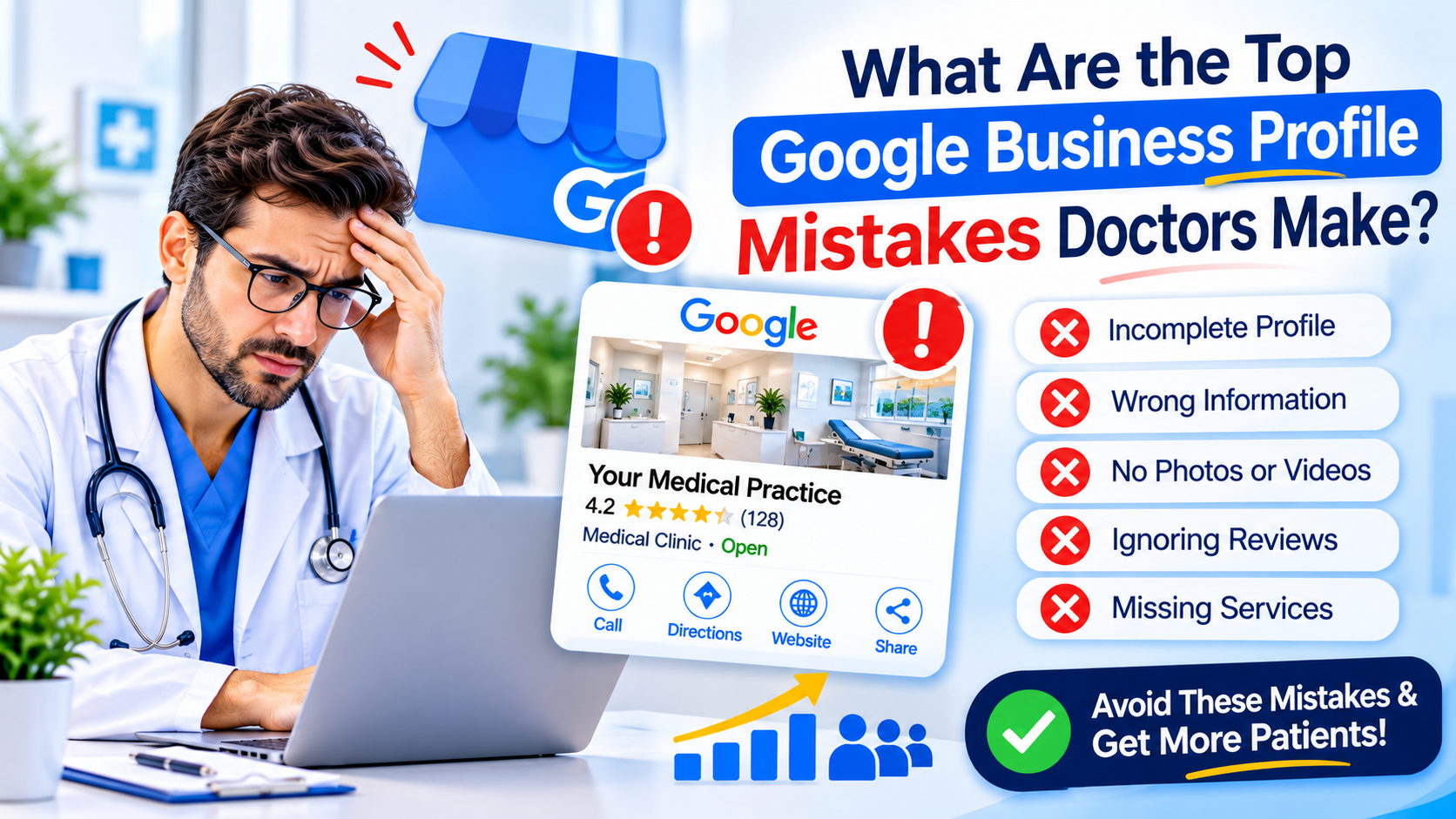
Google Business Profile mistakes are the avoidable errors that make a doctor's listing inaccurate, hard to find or risky, such as wrong hours, keyword-stuffed names, duplicate listings, unsafe review replies and fake locations. Many NYC practices lose calls, or even their listing, because of problems they did not know they had. This guide explains, in a question-and-answer format, the top Google Business Profile mistakes doctors make, how to fix them in five steps, with a sample profile-accuracy result and a checklist of rules. It makes no promise of rankings or results.
Key Findings
- 8 mistakes appear again and again: wrong hours, keyword-stuffed names, duplicate listings, wrong categories, unsafe review replies, fake or virtual locations, missing booking links and no updates.
- In the illustrative model below, the share of profile fields that are correct and complete rises from 55% to 95% over about three months.
- 5 steps fix most problems: audit, correct, merge duplicates, secure access and review monthly.
- Some mistakes risk suspension. Fake locations and keyword stuffing can lead Google to restrict or remove a profile.
- All figures in this article are illustrative examples, not guaranteed results.

What Are the Top Google Business Profile Mistakes Doctors Make?
Eight mistakes cause most of the trouble.
- Wrong hours. Patients arrive when the office is closed.
- Keyword-stuffed names. Adding services or locations to the practice name.
- Duplicate listings. Old or extra profiles for the same practice or provider.
- Wrong or vague categories. The listing does not match what patients search for.
- Unsafe review replies. Replies that confirm someone is a patient or discuss care.
- Fake or virtual locations. Listing an address where no real office exists.
- Missing booking link. Patients cannot easily schedule.
- No updates. The profile is set once and never reviewed.
Each of these affects how patients see your Google Business Profile, so check them first.
Why Do These Mistakes Happen?
Most happen because no one owns the profile. Common causes include:
- An old employee or former agency still controls the profile.
- Staff try quick fixes to appear higher in results.
- Providers join or leave and listings are not updated.
- Reviews are answered in a rush without privacy rules.
- Nobody checks the listing. Our guide to Google Business Profile optimization for New York businesses covers a full checklist.
How Can You Fix Them? 5 Steps
1. Audit the Profile
Look at it like a patient. Search for your practice and your providers on a phone and note anything wrong or missing.
2. Correct the Basics
Fix what patients see first. Update the name, hours, address, phone, categories, services and booking link, using only real information.
3. Merge or Remove Duplicates
Show one correct listing. Use Google's tools to report or merge duplicates, and keep a record of what you changed.
4. Secure Access
Control who can edit. Make sure the practice, not a former employee or vendor, owns the profile, and remove access when people leave. A marketing automation service can help with monitoring and reminders.
5. Review Monthly
Make it routine. Check hours, reviews and messages monthly and before holidays, and keep a simple log.
| Mistake | Risk | Fix |
|---|---|---|
| Wrong hours | Lost visits, bad reviews | Update now, set holiday hours early |
| Keywords in name | Suspension risk | Use the real practice name |
| Duplicate listings | Patient confusion | Report or merge duplicates |
| Unsafe replies | Privacy exposure | Generic replies, no confirmation of patients |
| Fake locations | Suspension risk | Use only real, staffed addresses |
How Much Cleaner Can the Profile Get? A Sample Graph
In this illustrative example for an NYC practice, the share of profile fields that are correct and complete rises from 55% to 95% over about three months. The bars run from top to bottom in the same order as the table below, and each block (█) equals 5 percentage points.
| Stage | Fields correct and complete | Bar chart |
|---|---|---|
| Before the audit | 55% | ███████████ |
| Month 1: basics corrected | 75% | ███████████████ |
| Month 2: duplicates merged, access secured | 85% | █████████████████ |
| Month 3: monthly review in place | 95% | ███████████████████ |
What Should You Measure?
Four measures show whether the profile is healthy.
- Share of fields that are correct and complete.
- Number of duplicate or incorrect listings found.
- Calls, direction requests and bookings from the profile.
- Reviews that mention wrong hours or details.
What Rules Should You Follow?
Your practice is responsible for its listing.
- Follow Google's guidelines: use the real practice name, a real staffed address and accurate information. Do not use virtual offices, keyword stuffing or fake listings.
- Never confirm that a reviewer is a patient or discuss care in a public reply. Ask a qualified attorney or compliance adviser how HIPAA applies.
- Do not offer rewards for reviews, post fake reviews or ask staff to write them, and follow Federal Trade Commission rules.
- Make sure descriptions and health claims are truthful and supported.
- Check Google's current policies, because they change, and keep ownership of your profile in the practice.
Methodology and Limitations
The numbers in this article come from an illustrative model created by Nova Reach Digital to show how fixing mistakes may improve profile accuracy. They are not drawn from a published study or a specific client, and no one can guarantee results. Outcomes depend on your specialty, location and the state of your profile, and Google changes policies often. This article does not rank or endorse any named company. It is general information and not legal, medical, financial or compliance advice.
Related Reading
- How to choose SEO services without falling for ranking promises
- AI marketing analytics and campaign automation
- How to choose a digital marketing agency that fits your business
Conclusion
The top Google Business Profile mistakes doctors make are simple to fix once someone owns the task. Audit the profile, correct the basics, merge duplicates, secure access and review monthly. A clean Google Business Profile protects both your patients' trust and your listing. If you want help auditing your profile, contact Nova Reach Digital or read more about our marketing services.
Get Directions
Frequently Asked Questions
Keep reading
What Are the Top Missed-Call Text Back Setups for Clinics? Reading the Setup Table, the Five Steps and the Sample Missed-Call Follow-Up
A question-and-answer guide to the top missed-call text back setups for clinics: what it is, why missed calls cost patients, 5 setup steps, a setups table, a sample follow-up chart, texting and privacy rules and FAQs.
What Are the Top AI Chatbots for Healthcare Practices and How Do You Choose? Reading the Build Options, the Five Steps and the Sample Patient Inquiries
A question-and-answer guide to the top AI chatbots for healthcare practices: what they do, why they disappoint, 5 launch steps, a build-options table, a sample patient-inquiry chart, HIPAA and safety rules and FAQs.
What Are the Top AI Answering Services for Doctors and How Do You Choose? Reading the Service Types, the Five Steps and the Sample After-Hours Follow-Up
A question-and-answer guide to the top AI answering services for doctors: what they do, why after-hours calls get lost, 5 steps to choose, a service-types table, a sample follow-up chart, rules and FAQs.
Put These Ideas to Work with NovaReach
Automate your marketing, launch AI voice agents, and keep every lead moving, all from one dashboard.